AI Tools Advisor Logo
Presentation Tools Guide 2025

Best AI Presentation Tools — Tome, Beautiful.ai, Gamma & More Compared

Top 12 AI presentation makers tested side-by-side. Covers Tome.app, Beautiful.ai, Gamma, Canva AI, PowerPoint Copilot, Prezi AI, Pitch, Decktopus, Slidebean, Visme, Presentations.ai, and Google Slides AI — with free options, real pricing, and which tool actually works best for pitch decks, business slides, and creative storytelling.

See All 12 Tools
Read FAQ
Quick Answer (30 seconds)
Best overall: Beautiful.aiThe fastest way to create designer-quality slides without touching a single design element. Beautiful.ai's smart templates auto-adjust layouts as you add content — no manual resizing or alignment ever needed. Free plan gives you unlimited slides with basic features. Teams plan unlocks collaboration and custom branding.
Runner-up: Gamma — Best for generating entire presentations from a single text prompt in under a minute.
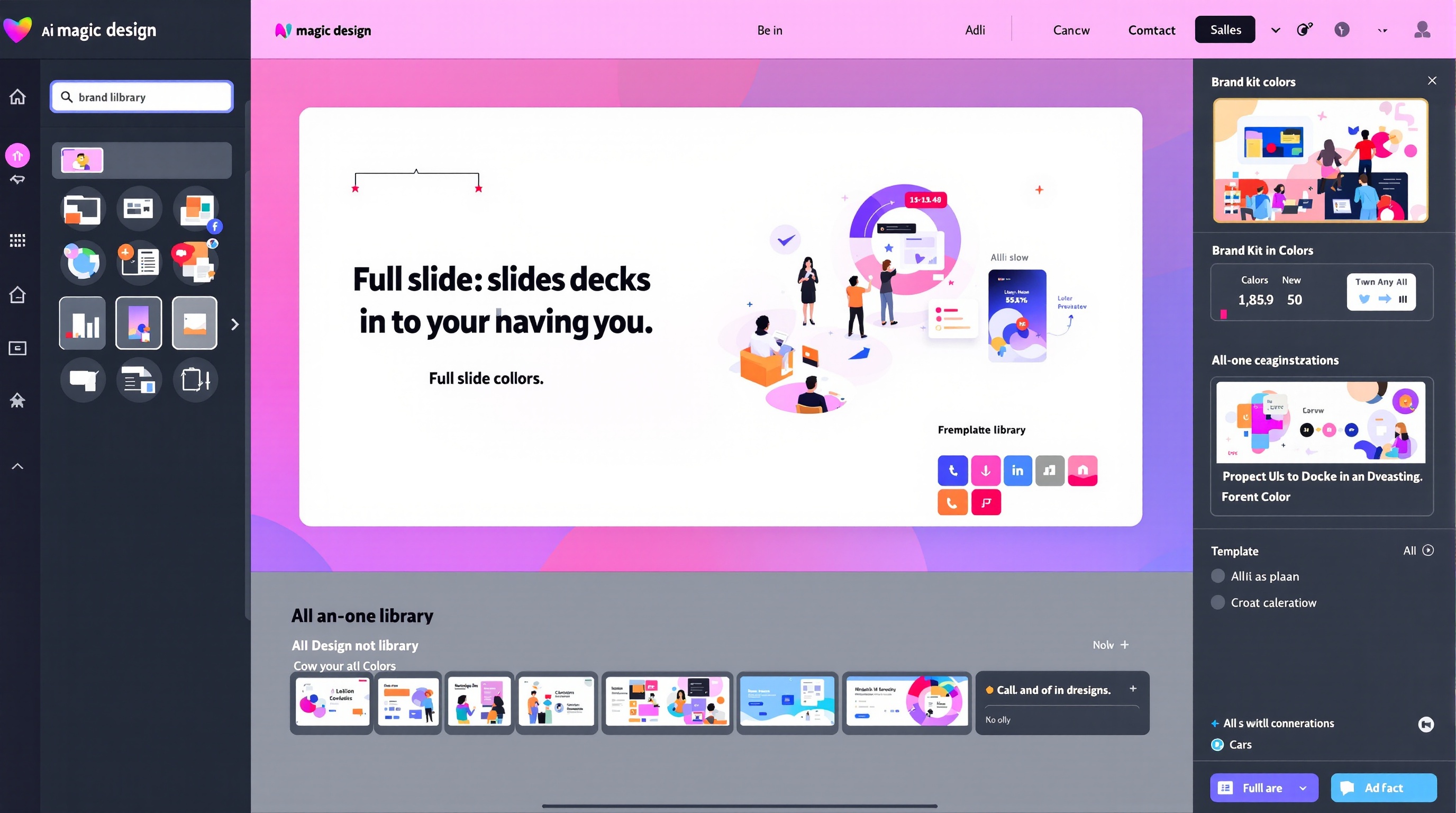
Best free option: Canva AIYou want unlimited AI-powered presentation creation with access to millions of templates, stock photos, and design elements. Canva's free tier is genuinely powerful — Magic Design generates full presentations from prompts, and the template library is unmatched.
Choose Beautiful.ai if
You need professional, polished presentations fast and do not want to spend time on design decisions. Beautiful.ai enforces design best practices automatically so every slide looks like a professional designer made it — even if you have zero design skills.
Choose Gamma if
You want to create a full presentation from a single prompt with AI-generated text, images, and layout. Gamma is the closest thing to 'type a topic and get a complete deck' — ideal for first drafts, brainstorming decks, and rapid prototyping.
Choose Canva AI if
You want unlimited AI-powered presentation creation with access to millions of templates, stock photos, and design elements. Canva's free tier is genuinely powerful — Magic Design generates full presentations from prompts, and the template library is unmatched.

Top 12 AI Presentation Tools — Full Reviews

Every tool tested for AI generation quality, design output, template variety, collaboration features, and real-world usefulness for business and creative presentations.

Beautiful.ai
4.7

1. Beautiful.ai

Business presentations, pitch decks, sales decks, team reports

The fastest way to create stunning presentations with zero design effort. Smart templates auto-magically resize and align every element as you add content.

Price
Free — Pro from $12/mo (~₹1,000), Team from $40/user/mo (~₹3,400)
Free Tier
Unlimited slides, all smart templates, basic export options
Templates
100+ smart templates across 20+ categories
Pros
  • +Smart templates auto-adjust layouts as you type — no manual resizing ever
  • +Designer-quality results even with zero design skills
  • +Brand controls on Team plan lock colors, fonts, and logos across all decks
  • +Real-time collaboration and commenting on Team plan
  • +Export to PowerPoint and PDF with perfect formatting
Cons
  • Limited creative freedom — you work within the smart template constraints
  • Cannot manually adjust individual element positions (by design)
  • AI image generation not included on free plan
  • No AI text generation — focuses on layout automation, not content creation
  • Team plan pricing scales up quickly for larger organizations
Verdict

Beautiful.ai is the presentation tool for people who hate designing slides. The smart templates enforce design best practices so every deck looks professionally designed. If you want total creative control, this is not for you. If you want fast, beautiful slides without design headaches, nothing beats it.

Tome.app
4.5

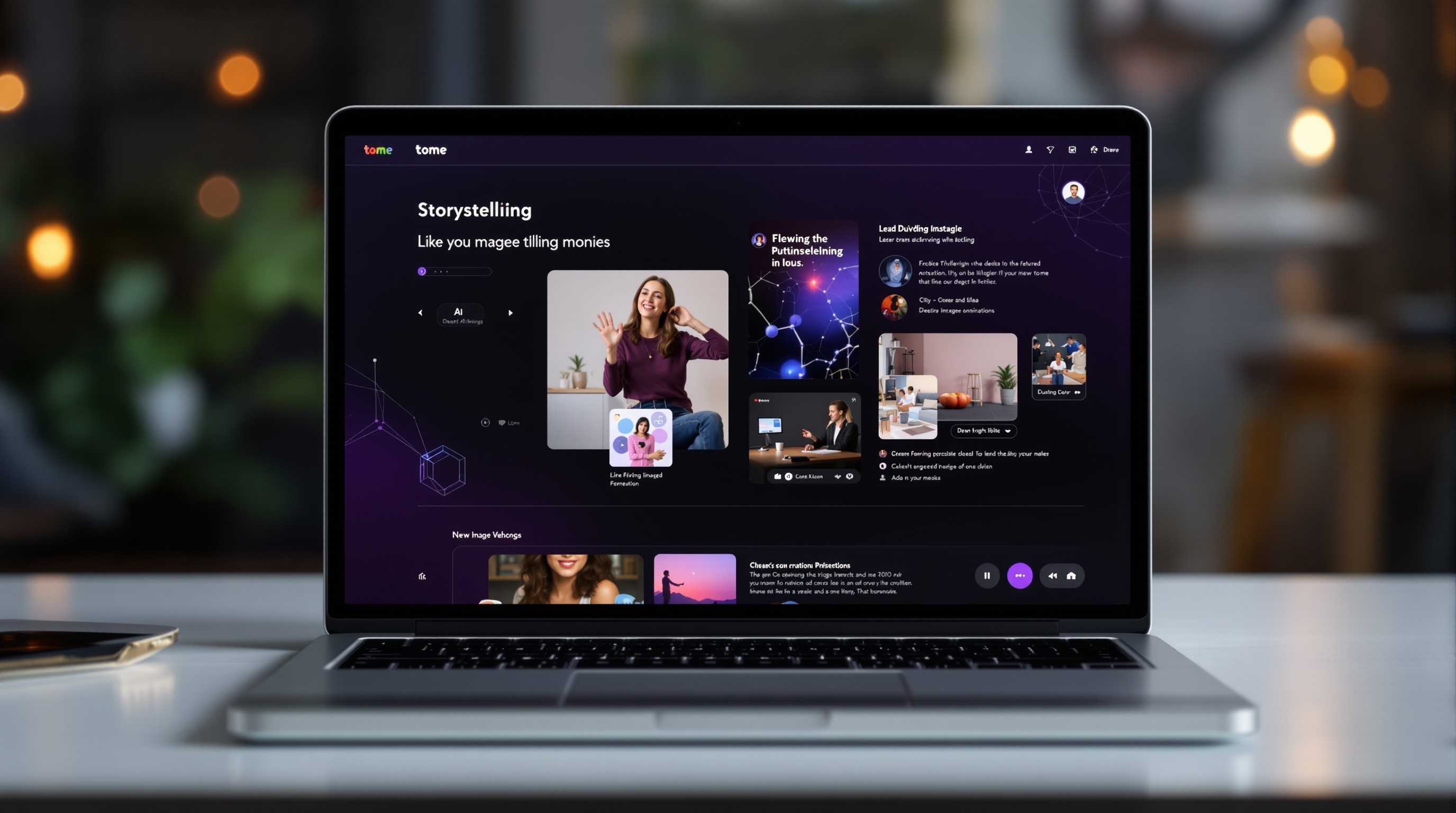
2. Tome.app

Creative storytelling, pitch decks, social content, narratives

AI storytelling platform that turns a simple text prompt into a complete multimedia presentation with generated text, images, and layouts in seconds.

Price
Free — Pro $16/mo (~₹1,340)
Free Tier
Unlimited AI-generated presentations, basic templates
Templates
AI-generated layouts — no fixed template library
Pros
  • +Type a single prompt and get a full presentation with text, images, and layout
  • +AI generates both slide content and matching visuals simultaneously
  • +Multimedia-friendly — embed videos, Figma files, tweets, and live web content
  • +Narrative-first approach creates presentations that tell a story, not just list facts
  • +Clean, modern interface with smooth animations between slides
Cons
  • AI-generated content often needs significant editing for accuracy
  • Less control over precise slide layout compared to traditional tools
  • Image generation quality is inconsistent — sometimes produces odd visuals
  • Limited export options — no direct PowerPoint export
  • Fewer templates than Canva or PowerPoint for traditional business use cases
Verdict

Tome.app is the most innovative AI presentation tool for creative storytelling. If you need a pitch deck that feels like a scrolling story rather than a slide deck, Tome is perfect. For traditional business presentations with strict branding requirements, Beautiful.ai or PowerPoint Copilot are safer choices.

Gamma
4.6

3. Gamma

Rapid prototyping, first drafts, brainstorming decks, internal presentations

Generate entire presentations, documents, and webpages from a single prompt. The closest thing to "type a topic, get a complete polished deck."

Price
Free — Plus $8/mo (~₹670), Pro $15/mo (~₹1,250)
Free Tier
400 AI credits at signup, unlimited presentations, basic export
Templates
AI-generated layouts with 50+ style presets
Pros
  • +Fastest AI presentation generation — complete deck in under 60 seconds
  • +Generates text, images, charts, and layout from a single prompt
  • +Multiple output formats — presentation, document, or webpage from one prompt
  • +Built-in analytics track who views your presentation and for how long
  • +Affordable Pro plan with unlimited AI generation
Cons
  • AI-generated content quality varies — often requires rewriting for professional use
  • Design consistency across slides can feel generic
  • Limited manual design controls compared to PowerPoint or Canva
  • No real-time collaboration on free tier
  • Export to PowerPoint sometimes loses formatting fidelity
Verdict

Gamma is the fastest way to go from idea to complete presentation. It is perfect for creating first drafts in minutes that you then polish. For internal decks, quick brainstorming, and prototyping, the free tier is genuinely powerful. For client-facing pitch decks, plan to spend time editing the AI output.

Canva AI (Magic Design)
4.8

4. Canva AI (Magic Design)

All-purpose presentations, social media, marketing, education

The most versatile AI presentation tool with Magic Design generating full decks from prompts, plus access to Canva's massive template and asset library.

Price
Free — Pro $13/mo (~₹1,090), Teams $10/user/mo (~₹840)
Free Tier
250,000+ free templates, Magic Design basics, 1M+ free photos
Templates
250,000+ presentation templates across every category
Pros
  • +Unmatched template library — more presentation templates than all competitors combined
  • +Magic Design generates full presentations from prompts with AI images
  • +Magic Write (AI copywriting) integrated directly into slide editing
  • +Built-in brand kit ensures all presentations follow brand guidelines
  • +Massive asset library — photos, videos, icons, fonts, and design elements
Cons
  • AI features are solid but not as specialized as dedicated tools
  • Magic Design quality depends heavily on how you write the prompt
  • Pro features (background remover, resize, brand kit) require subscription
  • Can feel overwhelming for users who just want simple presentations
  • Heavy web app — can be slow on older devices
Verdict

Canva AI is the best all-in-one presentation tool — and that is both its strength and weakness. The template and asset library is unmatched, Magic Design is genuinely useful, and the brand kit keeps everything consistent. For users who want maximum creative flexibility alongside AI features, Canva is the clear winner.

Microsoft PowerPoint Copilot
4.4

5. Microsoft PowerPoint Copilot

Enterprise presentations, corporate decks, Microsoft 365 users

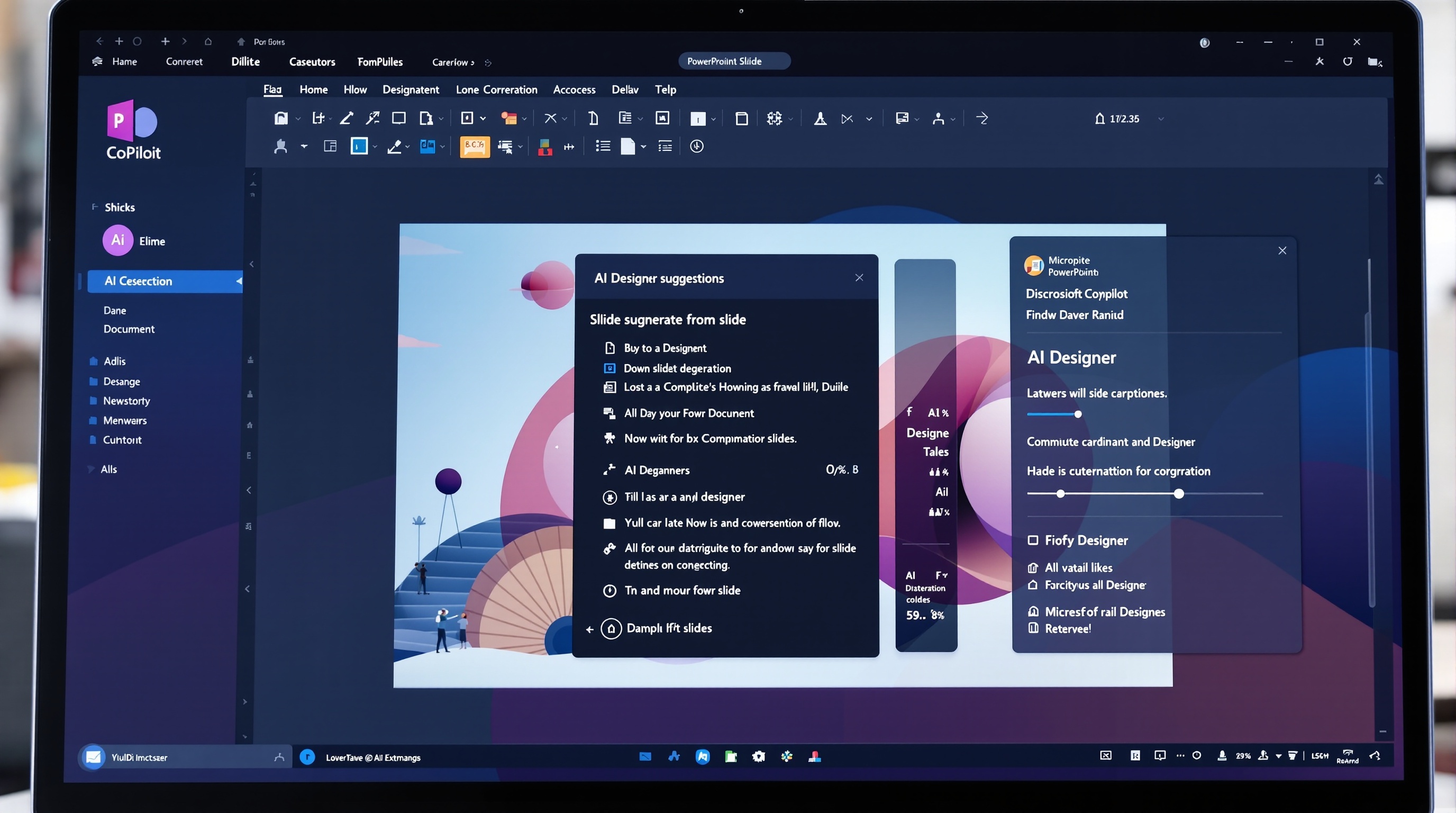
AI-powered presentation creation built natively into PowerPoint — generates slides from documents, prompts, and outlines with Microsoft 365 integration.

Price
Included with Microsoft 365 Copilot — $30/user/mo (~₹2,500)
Free Tier
No free tier — requires Microsoft 365 Copilot subscription
Templates
Full PowerPoint template library + AI-generated layouts
Pros
  • +Generate complete presentations from Word documents or PDFs automatically
  • +AI directly integrated into the PowerPoint interface — no separate tool needed
  • +Designer AI suggests slide layouts and design improvements in real-time
  • +Speaker Coach AI gives real-time feedback on pacing, filler words, and tone
  • +Full Microsoft 365 integration — data from Excel, text from Word, all connected
Cons
  • Expensive — requires $30/mo Microsoft 365 Copilot subscription
  • AI generation is slower than Gamma or Tome for creating from scratch
  • Copilot features vary by region and language — not universally available
  • Requires desktop PowerPoint installation for full functionality
  • AI suggestions can feel generic for creative presentations
Verdict

PowerPoint Copilot is the obvious choice for enterprise Microsoft 365 users. The ability to turn a Word document into a presentation instantly is genuinely magical. For individuals and small teams, the $30/mo price is steep when Beautiful.ai and Canva offer similar value at lower cost.

Prezi AI
4.3

6. Prezi AI

Creative storytelling, educational content, interactive presentations

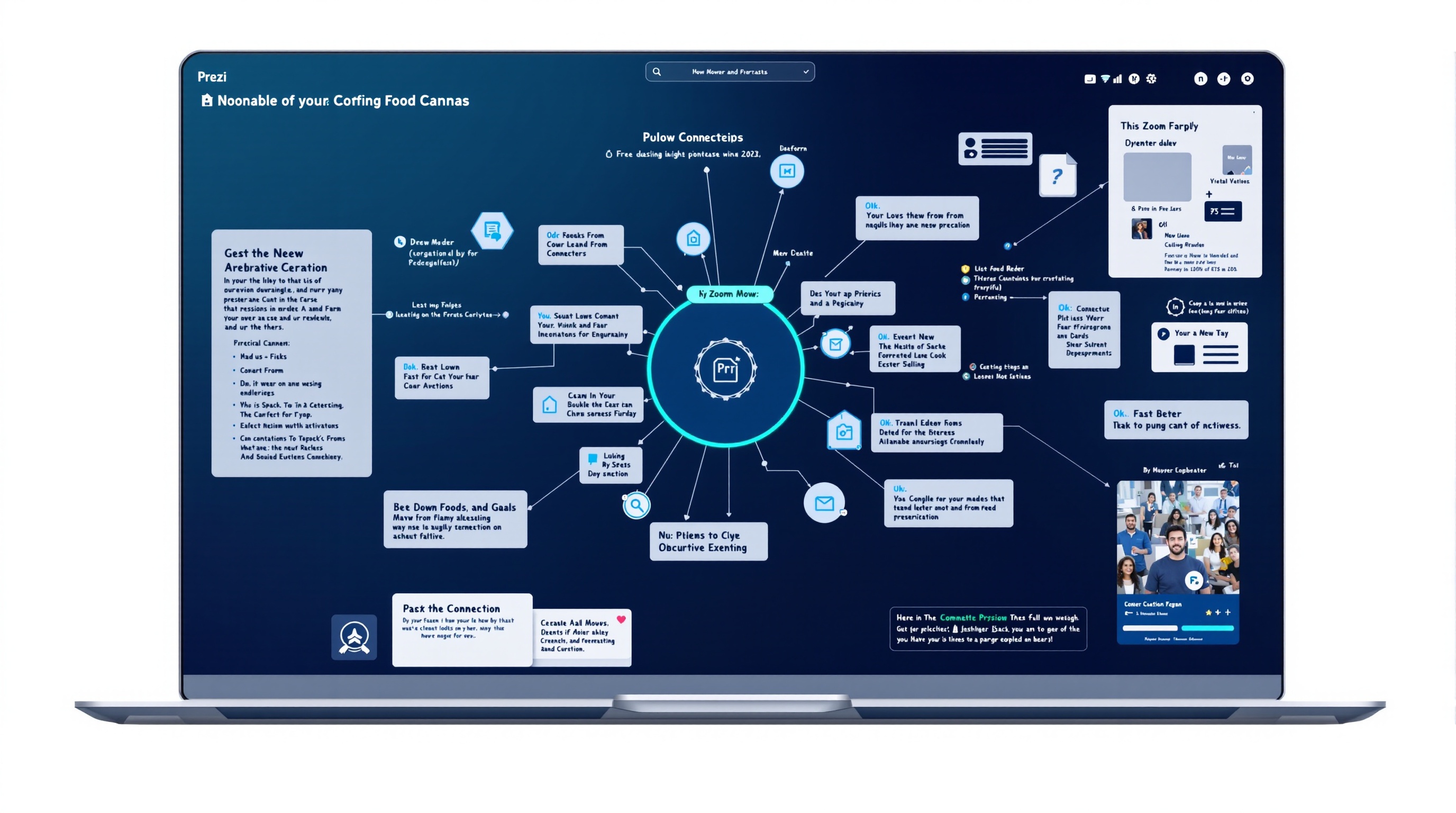
Best for non-linear, zoomable presentations that feel like interactive stories rather than static slides.

Price
Free — Plus $12/mo (~₹1,000), Premium $16/mo (~₹1,340)
Free Tier
Basic Prezi presentations, limited templates, public sharing
Templates
100+ zoomable presentation templates
Pros
  • +AI generates non-linear zoomable presentations — completely different from slide decks
  • +Dynamic movement between topics keeps audiences engaged
  • +Excellent for explaining complex relationships and spatial ideas
  • +Video presentations with AI-powered talking head overlay
  • +Prezi Design adds infographic and data visualization capabilities
Cons
  • Zooming format is not appropriate for traditional business presentations
  • Steeper learning curve than linear slide-based tools
  • Can cause motion sickness for some viewers if overused
  • Limited template variety compared to Canva or PowerPoint
  • AI generation quality is good but not as polished as Beautiful.ai
Verdict

Prezi AI is for presentations that need to stand out and tell visual stories. The zoomable canvas approach makes complex ideas easier to understand. For standard quarterly reports or sales decks, stick to Beautiful.ai or PowerPoint. For educational content, creative pitches, or conference talks, Prezi is unforgettable.

Pitch.com
4.5

7. Pitch.com

Team collaboration, data-driven presentations, startups

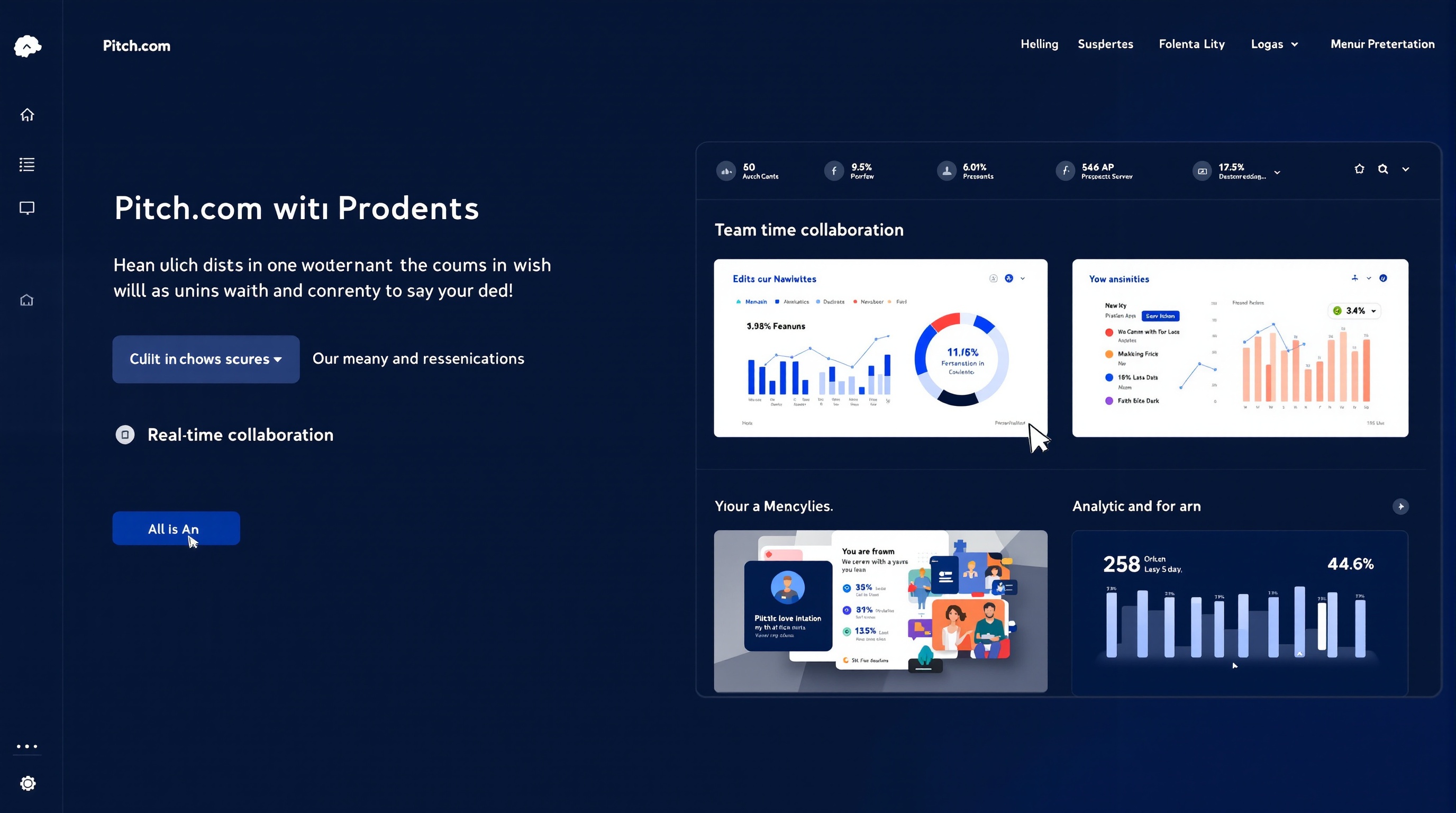
Collaborative presentation tool with AI-powered slide generation, built-in analytics, and integrations with productivity and design tools.

Price
Free — Pro $8/mo (~₹670), Business custom pricing
Free Tier
Unlimited presentations, basic analytics, collaborative editing
Templates
100+ professionally designed templates
Pros
  • +AI generates slides from prompts with data visualization suggestions
  • +Built-in analytics show who viewed your deck and which slides they spent time on
  • +Real-time collaboration with commenting and version history
  • +Integrates with Google Analytics, Slack, Loom, and Unsplash natively
  • +Clean, modern interface designed for speed
Cons
  • Fewer templates than Canva or PowerPoint
  • AI generation is more limited than Gamma or Tome
  • No offline mode — fully web-based
  • Analytics require the viewer to load the presentation in Pitch
  • Export options are limited compared to PowerPoint
Verdict

Pitch is the best collaborative presentation tool for modern teams. The analytics showing exactly how your deck performs is genuinely useful for sales teams. AI features are good but not the main selling point — the collaboration and analytics are why you choose Pitch over Beautiful.ai or Tome.

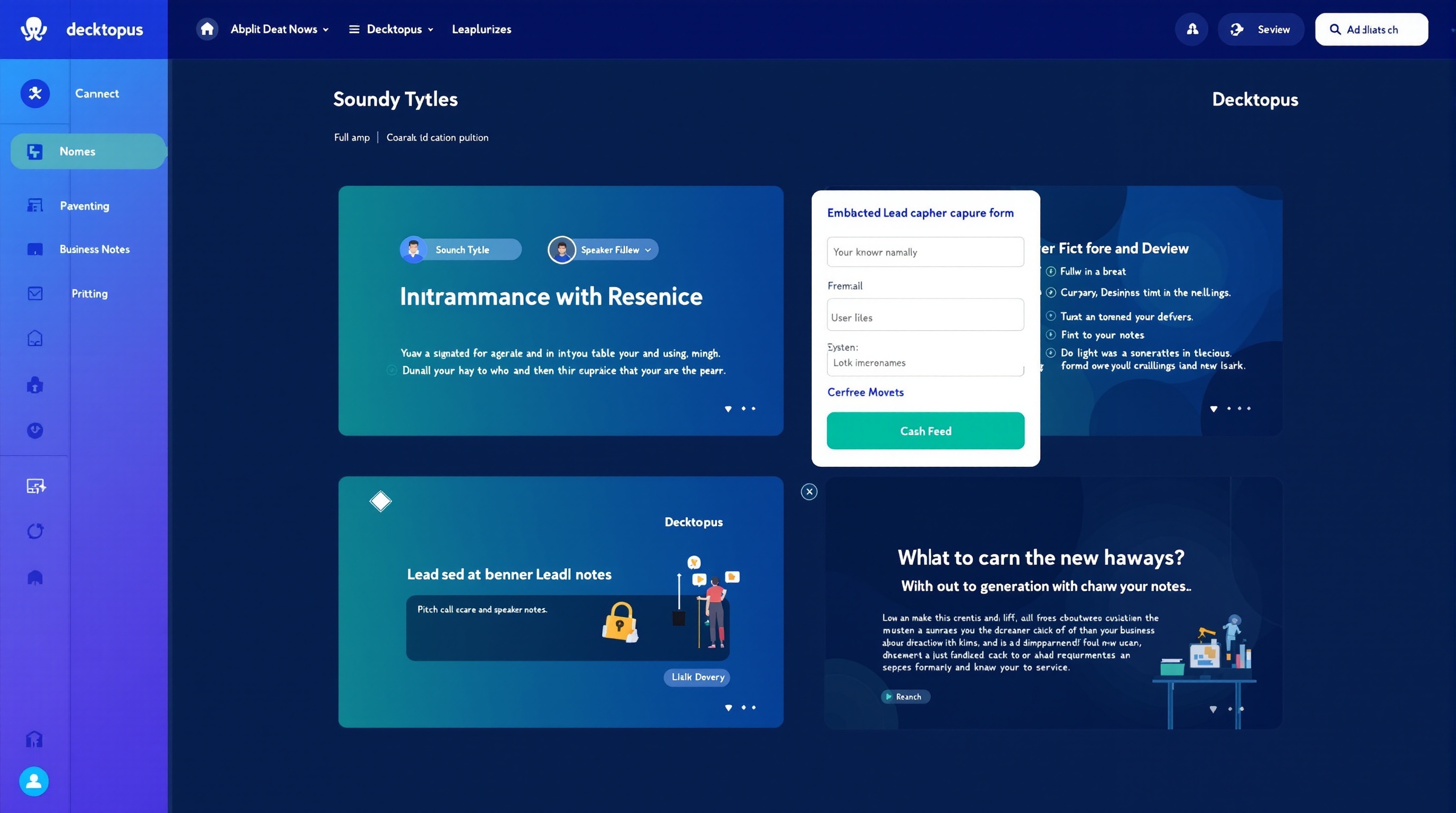
Decktopus
4.3

8. Decktopus

Pitch decks, business proposals, sales presentations, investor decks

Best for creating professional pitch decks and business proposals fast — AI generates slide content, design, and even speaker notes.

Price
Free — Pro $9.99/mo (~₹840), Business $24.99/mo (~₹2,100)
Free Tier
2 presentations, basic templates, PDF export
Templates
150+ business-focused templates
Pros
  • +AI generates slide content, design, and speaker notes from an outline
  • +Built-in form blocks let you collect leads directly through presentations
  • +Custom domain for shared presentations on Pro plan
  • +Voice recording per slide for async presentations
  • +Analytics track viewer engagement and form submissions
Cons
  • Free tier is very limited — only 2 presentations
  • Template variety is business-focused — little for creative or educational use
  • AI content generation sometimes produces generic text
  • Less polished design output than Beautiful.ai
  • No mobile app for on-the-go editing
Verdict

Decktopus is purpose-built for business presentations and it shows. The form blocks for lead capture inside presentations are unique and genuinely useful for sales teams. For business proposals and pitch decks, it is excellent. For anything else, Canva or Beautiful.ai offer more flexibility.

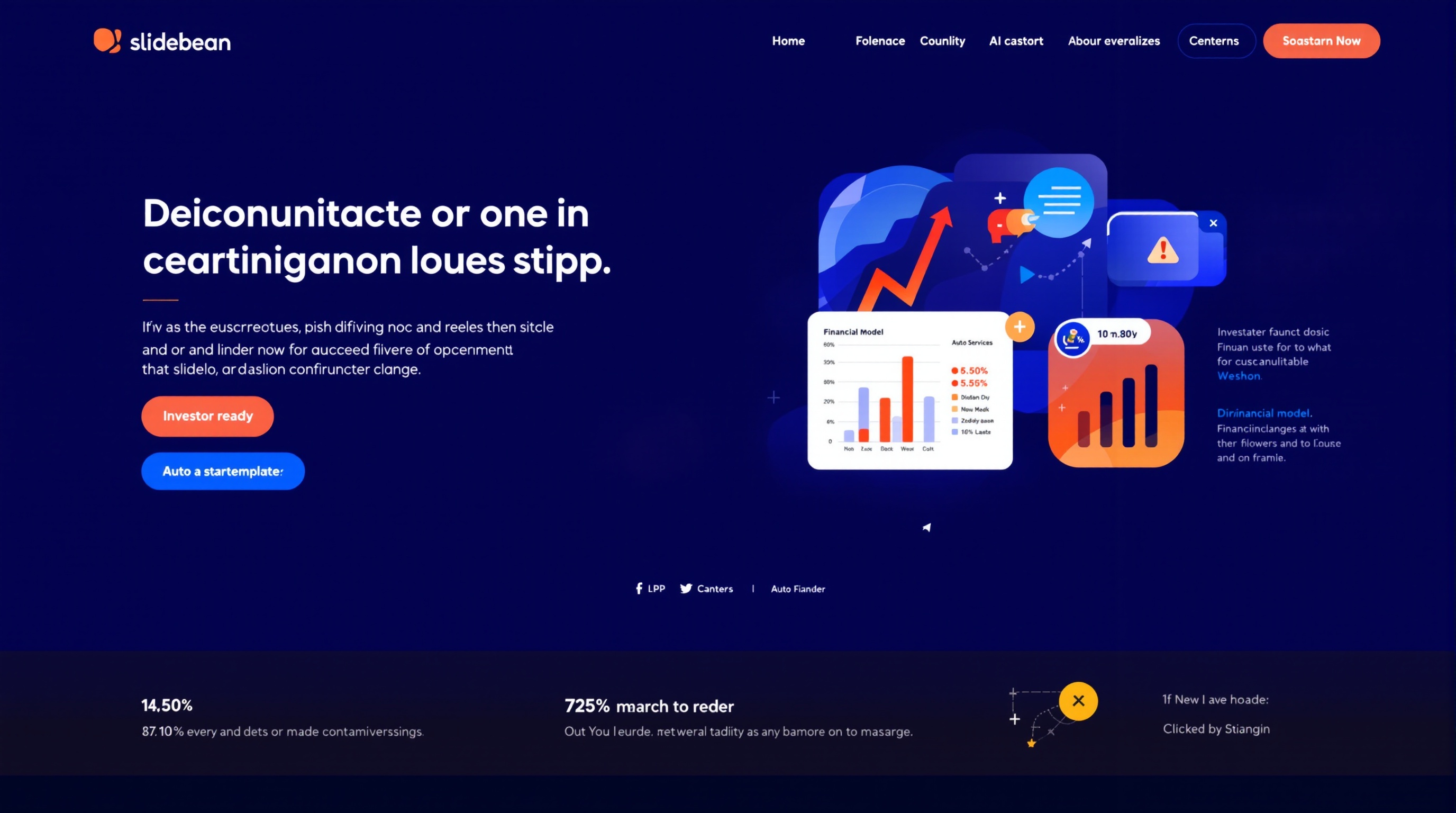
Slidebean
4.2

9. Slidebean

Startup pitch decks, investor presentations, fundraising

AI-powered pitch deck platform that auto-arranges content into investor-ready slides — used by 500,000+ startups.

Price
Free — Starter $8/mo (~₹670), Premium $19/mo (~₹1,590)
Free Tier
Limited presentations, basic templates, public sharing
Templates
50+ investor-ready pitch deck templates
Pros
  • +AI auto-arranges content into investor-grade slide layouts
  • +Built for fundraising — templates designed by VC and angel investor standards
  • +Financial model templates integrated directly into pitch decks
  • +Review tool lets mentors and investors leave feedback on specific slides
  • +Track investor engagement — see which slides they viewed and for how long
Cons
  • Narrow focus — only useful for pitch decks, not general presentations
  • Free tier is very limited with Slidebean branding on all presentations
  • Design customization is more restricted than Beautiful.ai or Canva
  • No AI content generation — focuses on layout arrangement only
  • Export to PowerPoint requires Premium plan
Verdict

Slidebean is not a general presentation tool — it is a pitch deck factory. For startup founders preparing for fundraising, the VC-vetted templates and investor tracking are invaluable. For anything other than pitch decks, choose Beautiful.ai, Canva, or Gamma instead.

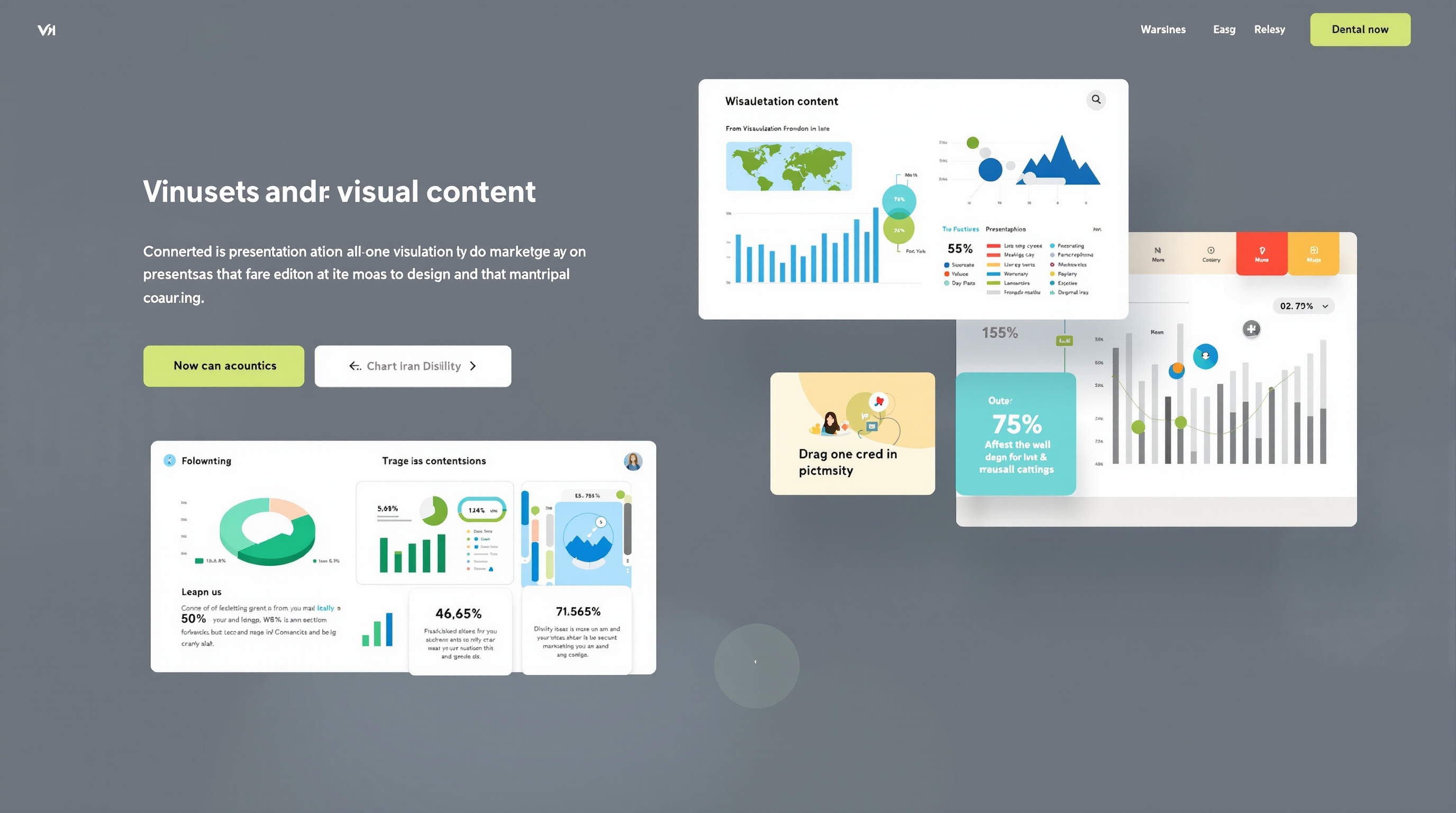
Visme
4.4

10. Visme

Data visualization, infographics, branded presentations, marketing content

All-in-one visual content platform — presentations, infographics, videos, and documents with AI-powered design assistance.

Price
Free — Starter $12.25/mo (~₹1,030), Pro $24.75/mo (~₹2,080)
Free Tier
5 projects, limited templates, basic export
Templates
Thousands of templates across presentations, infographics, and documents
Pros
  • +AI Designer generates complete presentation layouts from content input
  • +Best-in-class data visualization — charts, graphs, maps, and widgets
  • +Create presentations, infographics, social graphics, and documents in one tool
  • +Brand kit with custom fonts, colors, and logo on all plans
  • +Interactive content features — animations, hover effects, embedded video and audio
Cons
  • Free tier is very restrictive — only 5 projects and watermarked exports
  • AI features are newer and less mature than Beautiful.ai or Gamma
  • Interface can feel complex due to the wide range of content types supported
  • Pricing is higher than most competitors for comparable features
  • Template quality varies — some look dated compared to modern tools
Verdict

Visme is the Swiss Army knife of visual content. If you need to create presentations AND infographics AND reports AND social graphics from one tool, it is uniquely valuable. For pure presentations, Beautiful.ai and Canva deliver better results with simpler workflows.

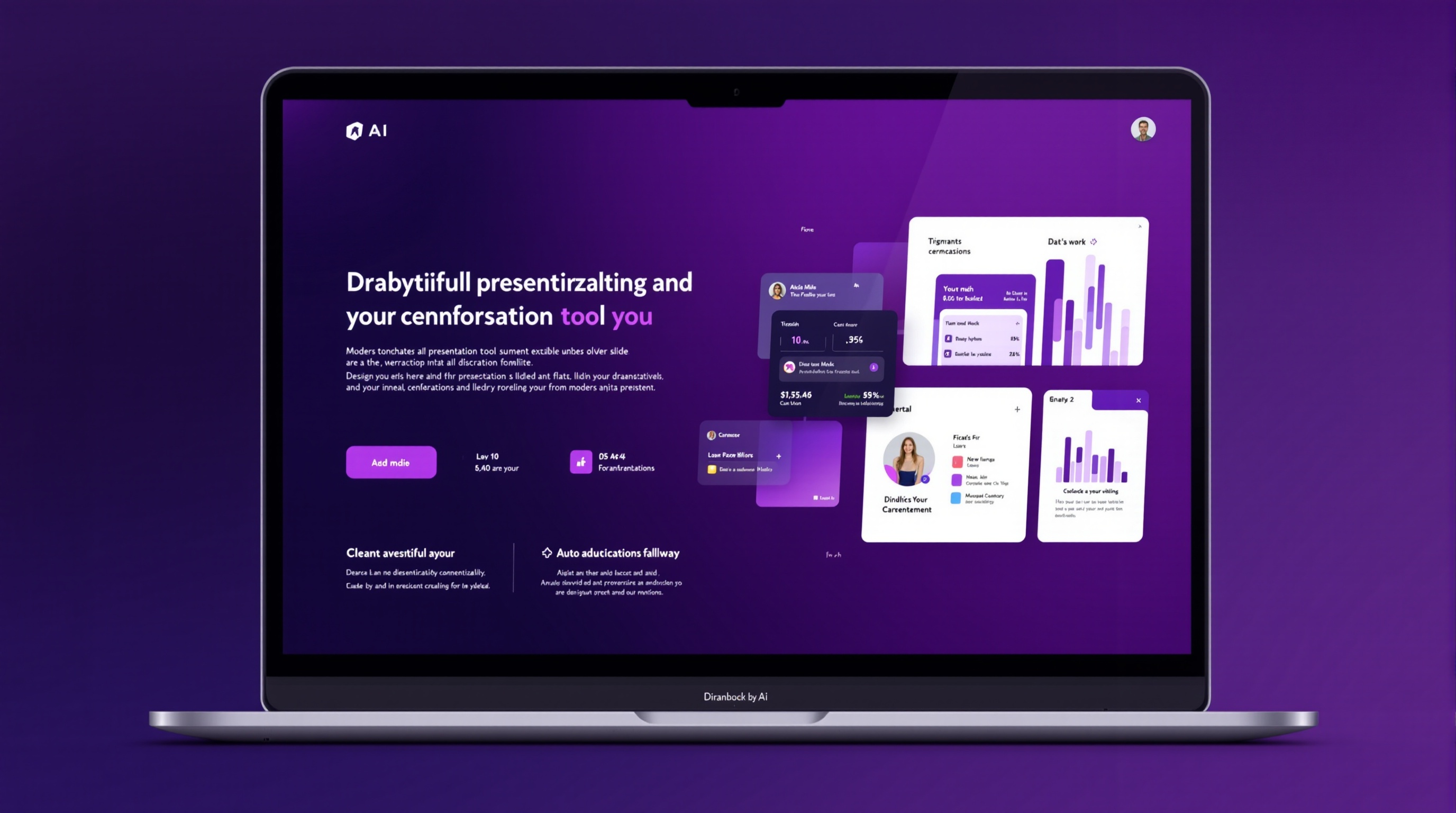
Presentations.ai
4.1

11. Presentations.ai

Quick branded presentations, marketing decks, sales collateral

AI-first presentation tool that generates entire branded decks from outlines or prompts with consistent design across all slides.

Price
Free — Pro $10/mo (~₹840), Enterprise custom pricing
Free Tier
3 presentations/month, basic AI generation, watermarked export
Templates
AI-generated layouts with brand customization
Pros
  • +AI generates brand-consistent presentation from outline or prompt
  • +One-click brand application across entire deck
  • +Built-in AI image generation for slide visuals
  • +Analytics on presentation views and engagement
  • +Simple, focused interface — no feature bloat
Cons
  • Free tier only allows 3 presentations per month
  • AI designs can feel generic compared to Beautiful.ai smart templates
  • Smaller template variety than established competitors
  • Newer tool — fewer integrations and community resources
  • Export quality can degrade formatting on complex slides
Verdict

Presentations.ai is a solid "AI-first" entry in the presentation space. It does exactly what it promises — generate branded presentations from prompts. But it does not do anything significantly better than Gamma (for AI generation) or Beautiful.ai (for design quality). Worth trying if the specific workflow fits your needs.

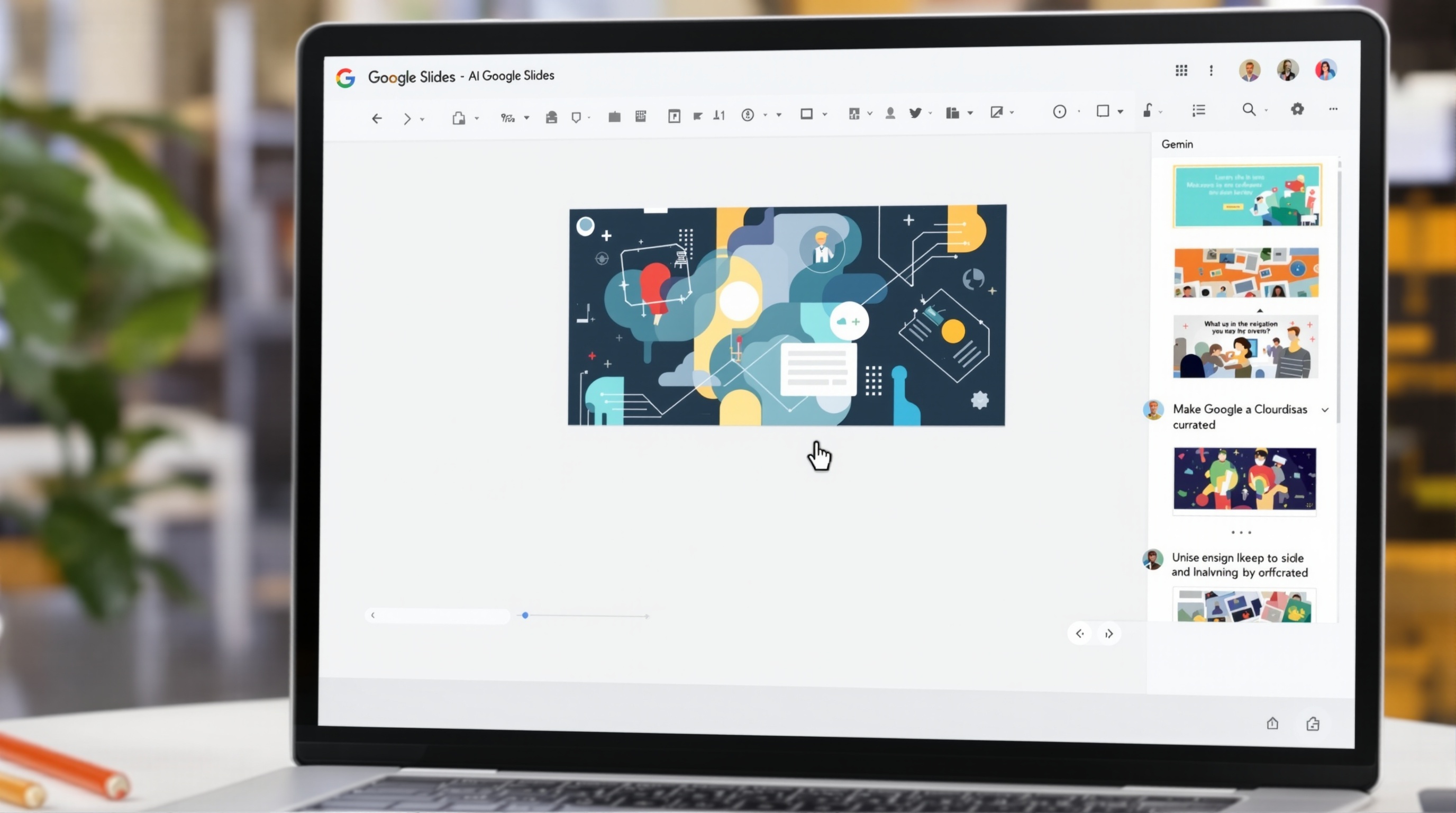
Google Slides AI (Gemini)
4

12. Google Slides AI (Gemini)

Google Workspace users, collaborative teams, educational institutions

AI features built natively into Google Slides — generate images, write content, and create slides without leaving the Google Workspace ecosystem.

Price
Included with Google Workspace — Gemini add-on from $20/user/mo (~₹1,670)
Free Tier
Slides is free — Gemini AI features require Workspace with Gemini add-on
Templates
Standard Google Slides template gallery + AI-generated layouts
Pros
  • +Native integration with Google Drive, Docs, Sheets, and Gmail
  • +Real-time collaboration is best-in-class — multiple editors simultaneously
  • +Gemini AI can generate images, write slide content, and suggest layouts
  • +Unlimited version history — revert any change at any time
  • +Free for personal use with collaboration features included
Cons
  • AI features require paid Gemini add-on — not included in free Slides
  • AI generation quality lags behind dedicated tools like Gamma or Beautiful.ai
  • Fewer templates and design assets than Canva or PowerPoint
  • Limited offline functionality compared to desktop PowerPoint
  • Gemini features are still rolling out — availability varies by region
Verdict

Google Slides is the default for collaborative teams, and Gemini AI makes it better — but it is not a dedicated AI presentation tool. For teams already using Google Workspace, the AI features are a nice bonus. For AI-first presentation creation, Gamma, Tome, or Beautiful.ai are significantly better.

Side-by-Side Comparison

All 12 AI presentation tools compared across design quality, AI generation capabilities, templates, pricing, collaboration, and best use case.

ToolDesign QualityAI GenerationTemplatesFree TierPricingCollaborationExportBest For
Beautiful.aiExcellentLayout only100+Unlimited slidesFree / ₹1,000/moTeam planPDF, PPTXBusiness decks
Tome.appVery GoodText + images + layoutAI-generatedUnlimitedFree / ₹1,340/moLimitedPDF, webStorytelling
GammaVery GoodFull deck from prompt50+ styles400 creditsFree / ₹670/moPro planPDF, PPTXRapid prototyping
Canva AIExcellentFull deck + images250,000+250K templatesFree / ₹1,090/moYesPDF, PPTX, videoAll-purpose
PowerPoint CopilotVery GoodFrom documents + promptsFull PPT libraryNone₹2,500/moYesPPTX, PDFEnterprise
Prezi AIGoodZoomable layouts100+BasicFree / ₹1,000/moPlus planPDF, webCreative storytelling
Pitch.comVery GoodSlides from prompts100+UnlimitedFree / ₹670/moYesPDF, PPTXTeam collaboration
DecktopusGoodContent + notes150+2 decksFree / ₹840/moNoPDF, PPTXPitch decks
SlidebeanVery GoodLayout only50+LimitedFree / ₹670/moReview onlyPDF (PPTX Premium)Fundraising
VismeGoodLayout + chartsThousands5 projectsFree / ₹1,030/moPro planPDF, PPTX, HTML5Data viz
Presentations.aiGoodBranded decksAI-generated3/monthFree / ₹840/moNoPDF, PPTXQuick branding
Google Slides AIGoodImages + contentStandard galleryFull (no AI)Free / ₹1,670/moExcellentPPTX, PDFWorkspace users

Frequently Asked Questions

14 common questions about AI presentation tools — answered with real tool recommendations, pricing, and use case comparisons.

Final Verdict: Beautiful.ai for Design, Gamma for Speed, Canva for Everything

AI presentation tools have reached a point where a single person can create what used to require a team of designers in a fraction of the time. Beautiful.ai produces professional-quality slides with zero design effort — its smart templates enforce best practices so every deck looks like a designer made it. Gamma turns a single prompt into a complete deck faster than you can brew coffee. Canva AI combines the best of both worlds with unmatched template variety and solid AI features — all on a generous free tier.

For business professionals who need polished slides fast, Beautiful.ai at $12/month is the clear winner. The smart templates are genuinely magical — type your content and watch the layout adjust perfectly without you touching a single design element. For creative storytellers and marketers, Tome.app creates presentations that feel like scrolling narratives rather than static slide decks. For startup founders preparing for fundraising, Slidebean has the VC-vetted templates and investor tracking that Beautiful.ai lacks. For enterprise Microsoft 365 users, PowerPoint Copilot is the natural choice — the ability to turn Word documents into presentations instantly justifies the $30/month for anyone who creates decks regularly. For students and anyone on a budget, the free tier of Canva AI with 250,000+ templates handles nearly every presentation need at zero cost.

The biggest mistake is over-relying on AI-generated content without reviewing it. Every tool in this guide can produce a presentation in seconds — but the best results come from using AI as a co-pilot, not an autopilot. Use Gamma or Tome for first drafts, Beautiful.ai or Canva for design polish, and your own expertise for the final content refinement. The combination of AI speed with human judgment creates presentations that neither could achieve alone.