AI Tools Advisor Logo
Translation Tools Guide 2025

Best AI Translation Tools — Reverso, DeepL, Google Translate & More Compared

Top 12 AI translation tools compared side-by-side. Covers Reverso, DeepL, Google Translate, ChatGPT, Claude, Microsoft Translator, QuillBot, and more — with free options, real pricing, and which tool actually works best for Spanish, French, German, Japanese, and 30+ other languages.

See All 12 Tools
Read FAQ
Quick Answer (30 seconds)
Best overall: DeepLThe most accurate neural machine translation tool in the world. Beats Google Translate on every major language pair — especially European languages like Spanish-French-German-Portuguese. Free tier translates up to 1,500 characters at a time with no signup needed.
Runner-up: Reverso — Best for language learners with example sentences, conjugations, synonyms, and real-world context.
Best free option: Google TranslateYou need to translate between 130+ languages for free with support for voice, camera, handwriting, and offline mode. Google Translate is unbeatable for language coverage and features.
Choose DeepL if
You need best-in-class translation accuracy for professional documents, business emails, or creative writing. DeepL produces more natural-sounding, contextually accurate translations than any competitor.
Choose Reverso if
You want example sentences, synonyms, and contextual usage alongside your translation. Reverso is better for language learners and translators who need nuance — not just word-for-word conversion.
Choose Google Translate if
You need to translate between 130+ languages for free with support for voice, camera, handwriting, and offline mode. Google Translate is unbeatable for language coverage and features.

Top 12 AI Translation Tools — Full Reviews

Every tool tested for translation accuracy, language coverage, free-tier limits, and real-world usefulness across 30+ language pairs.

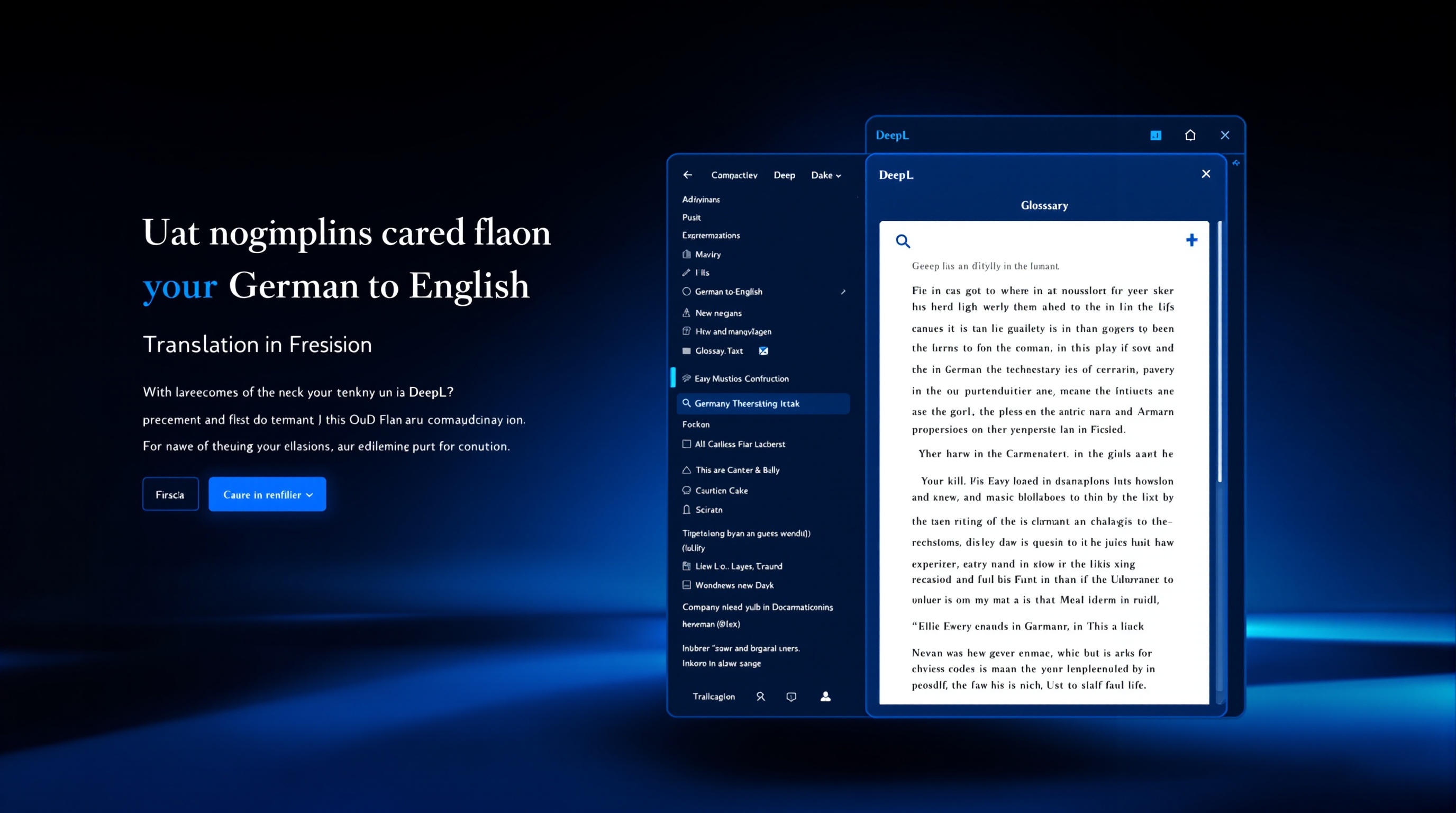
DeepL
4.8

1. DeepL

Professional documents, business emails, creative writing

The most accurate neural machine translation tool for European languages. Beats Google Translate and Reverso on quality.

Price
Free — 1,500 chars at a time. Pro from $10.99/mo (~₹920)
Free Tier
1,500 characters per translation, unlimited translations
Languages
33 languages including EN, ES, FR, DE, PT, IT, NL, PL, RU, JA, ZH
Pros
  • +Most accurate translations for European language pairs (ES-FR-DE-PT)
  • +Natural-sounding output that reads like native writing
  • +Glossary feature for consistent terminology across projects
  • +Free tier is genuinely useful — no signup required
  • +Formal/informal tone selector for correct register
Cons
  • Only supports 33 languages — far fewer than Google Translate (130+)
  • No mobile app for translation on the go
  • Asian language quality (JP, ZH) lags behind European pairs
  • Pro plan required for unlimited text and document translation
  • No camera or voice translation features
Verdict

DeepL is the translation tool professionals actually pay for. European language translations sound so natural you will forget they were machine-translated. The free tier handles most casual needs. Pay for Pro only when you need document translation or unlimited text.
Reverso
4.6

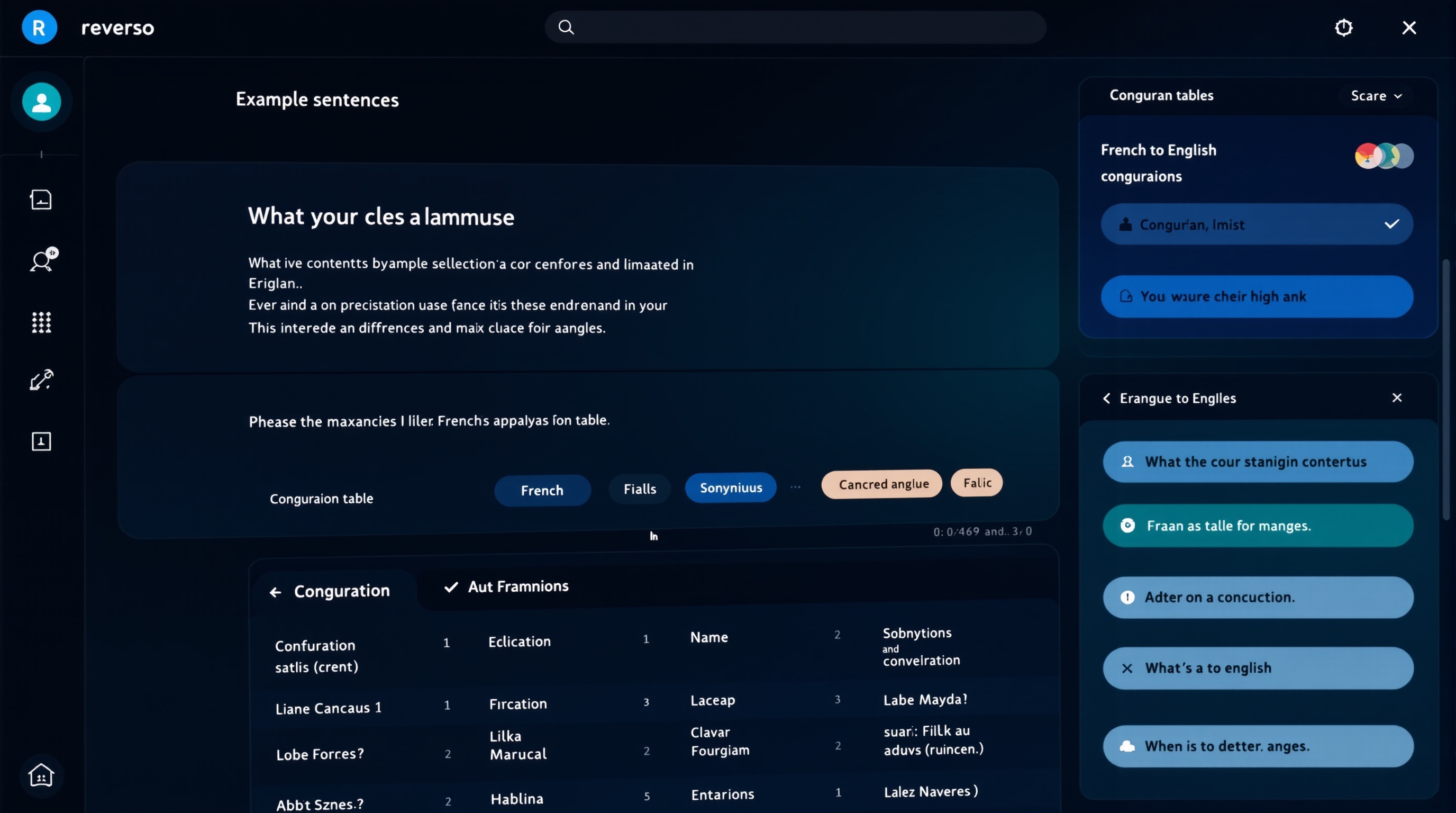
2. Reverso

Language learning, contextual translation, academic writing

Best for language learners — combines translation with real-world example sentences, synonyms, and conjugations.

Price
Free — Premium from $10.99/mo (~₹920)
Free Tier
Full translation + examples, contextual usage, and synonyms
Languages
26 languages including EN, ES, FR, DE, IT, PT, RU, AR, HE, JA, ZH, KO
Pros
  • +Real-world example sentences from movies, books, and official documents
  • +Built-in synonyms, conjugations, and grammar explanations
  • +Context-aware translations — shows how words are used in different scenarios
  • +Excellent for learning nuanced vocabulary and idioms
  • +Free tier is very generous — includes most features
Cons
  • Translation accuracy slightly below DeepL for pure text conversion
  • Only 26 languages — limited compared to Google Translate
  • Interface can feel cluttered compared to DeepL's clean design
  • Document translation requires Premium subscription
  • No offline mode or camera translation
Verdict

Reverso is the translator for people who want to learn while they translate. If you are studying French, Spanish, or German and want to understand why a word was chosen — not just what it means — Reverso is unmatched. For pure business translation, DeepL is slightly more accurate.

Google Translate
4.4

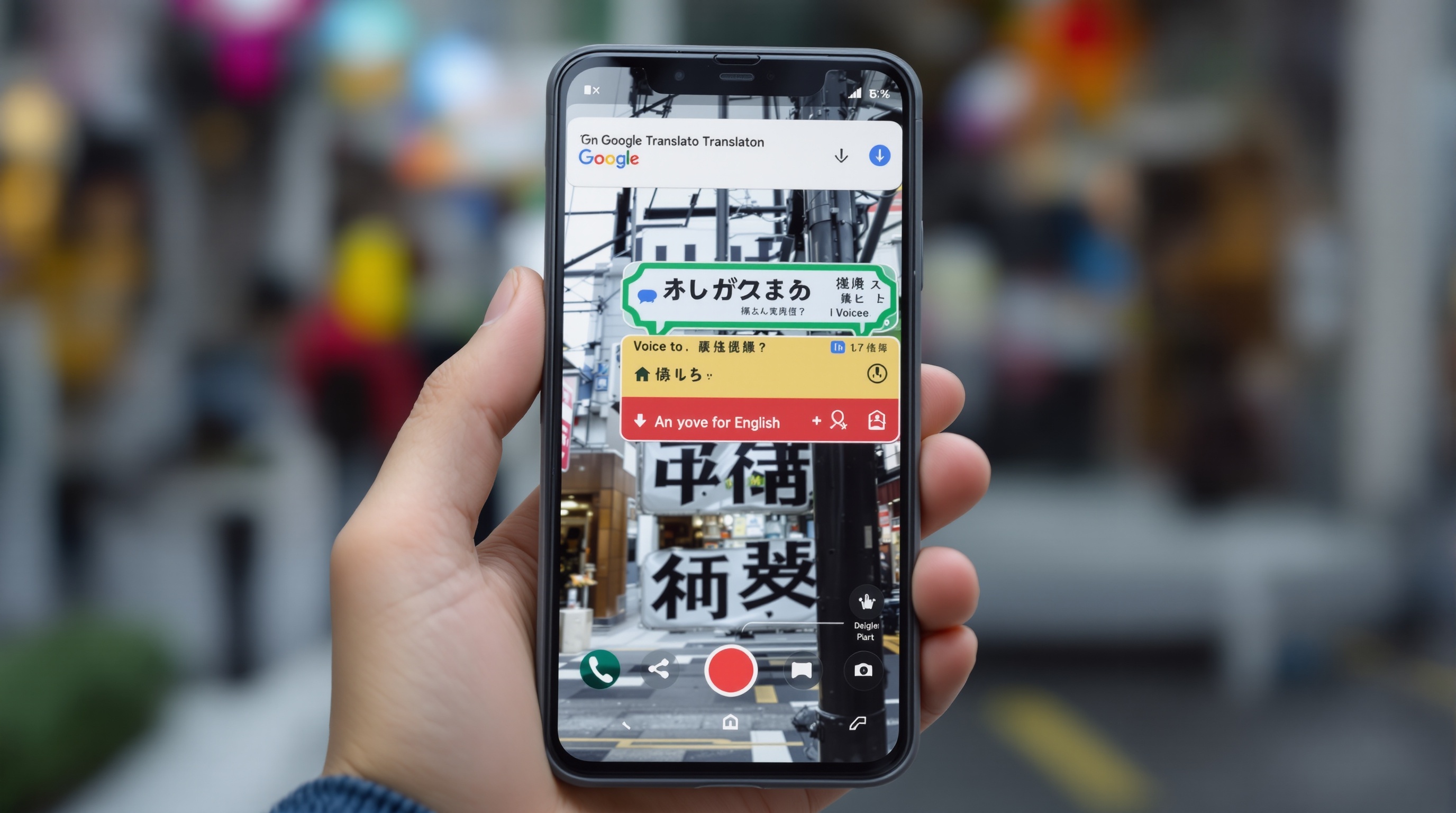
3. Google Translate

Everyday translation, travel, quick communication, API integration

Best for language coverage and features — 130+ languages with voice, camera, handwriting, and offline support.

Price
Free — Cloud Translation API from $20/million chars for business
Free Tier
Unlimited translations across all 130+ languages
Languages
130+ languages
Pros
  • +Supports 130+ languages — the widest coverage of any translation tool
  • +Camera translation instantly translates signs and menus
  • +Voice conversation mode for real-time bilingual dialogue
  • +Offline mode for 50+ languages — no internet needed
  • +Handwriting input for non-Latin scripts like Japanese and Arabic
Cons
  • Translation quality varies wildly by language pair
  • Common European pairs (EN-FR, EN-DE) are noticeably below DeepL quality
  • Literal translations can miss context and sound unnatural
  • No glossary or tone control features
  • Cloud API pricing is expensive for high-volume business use
Verdict

Google Translate is the undisputed king of language coverage and features. For translating obscure languages, using camera translation while traveling, or real-time voice conversations, nothing else competes. For professional document translation, DeepL and Reverso produce better output.

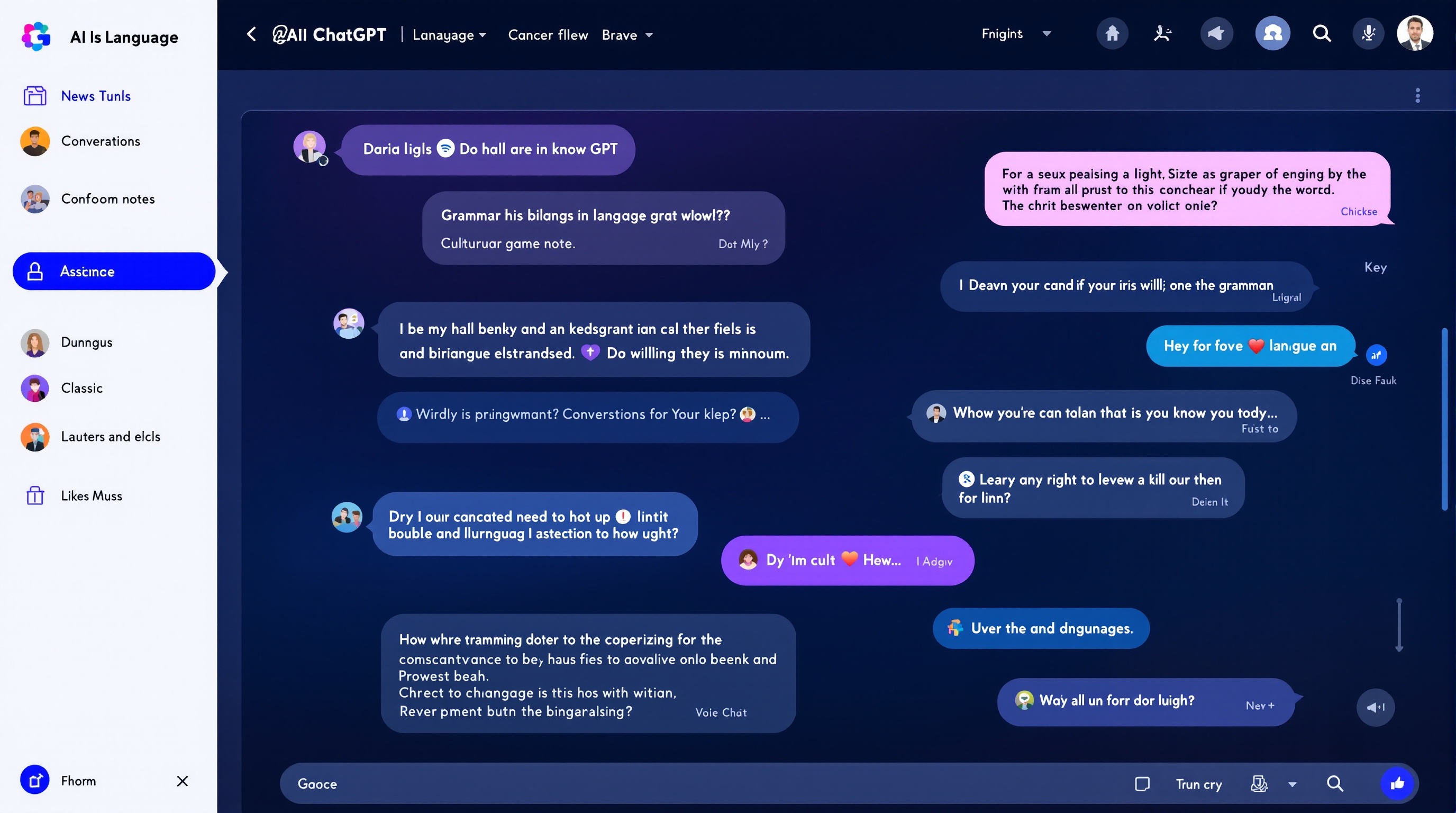
ChatGPT (GPT-4o)
4.5

4. ChatGPT (GPT-4o)

Creative translation, localization, tone adaptation, complex documents

Best for creative translation, contextual adaptation, and translating between languages with cultural nuance.

Price
Free — ChatGPT Plus $20/mo (~₹1,670)
Free Tier
Unlimited translations on GPT-4o on free tier
Languages
All major languages — quality varies by prompt and language pair
Pros
  • +Understands context and cultural nuance better than any pure translator
  • +Can adapt tone — make translations formal, casual, humorous, or poetic
  • +Explains translation choices and alternatives on request
  • +Handles complex mixed-language documents smoothly
  • +Free GPT-4o access is excellent for most translation tasks
Cons
  • Not purpose-built for translation — requires prompting for best results
  • Can occasionally fabricate or alter meaning in long texts
  • No dedicated glossary or terminology management features
  • Rate limits on free tier during peak hours
  • No camera, voice, or offline translation modes
Verdict

ChatGPT is the translation tool for nuanced, creative, or culturally sensitive content. For marketing copy, literary translation, or documents where exact tone matters, ChatGPT outperforms any dedicated translator. For simple word-for-word translation, DeepL and Reverso are faster and more consistent.

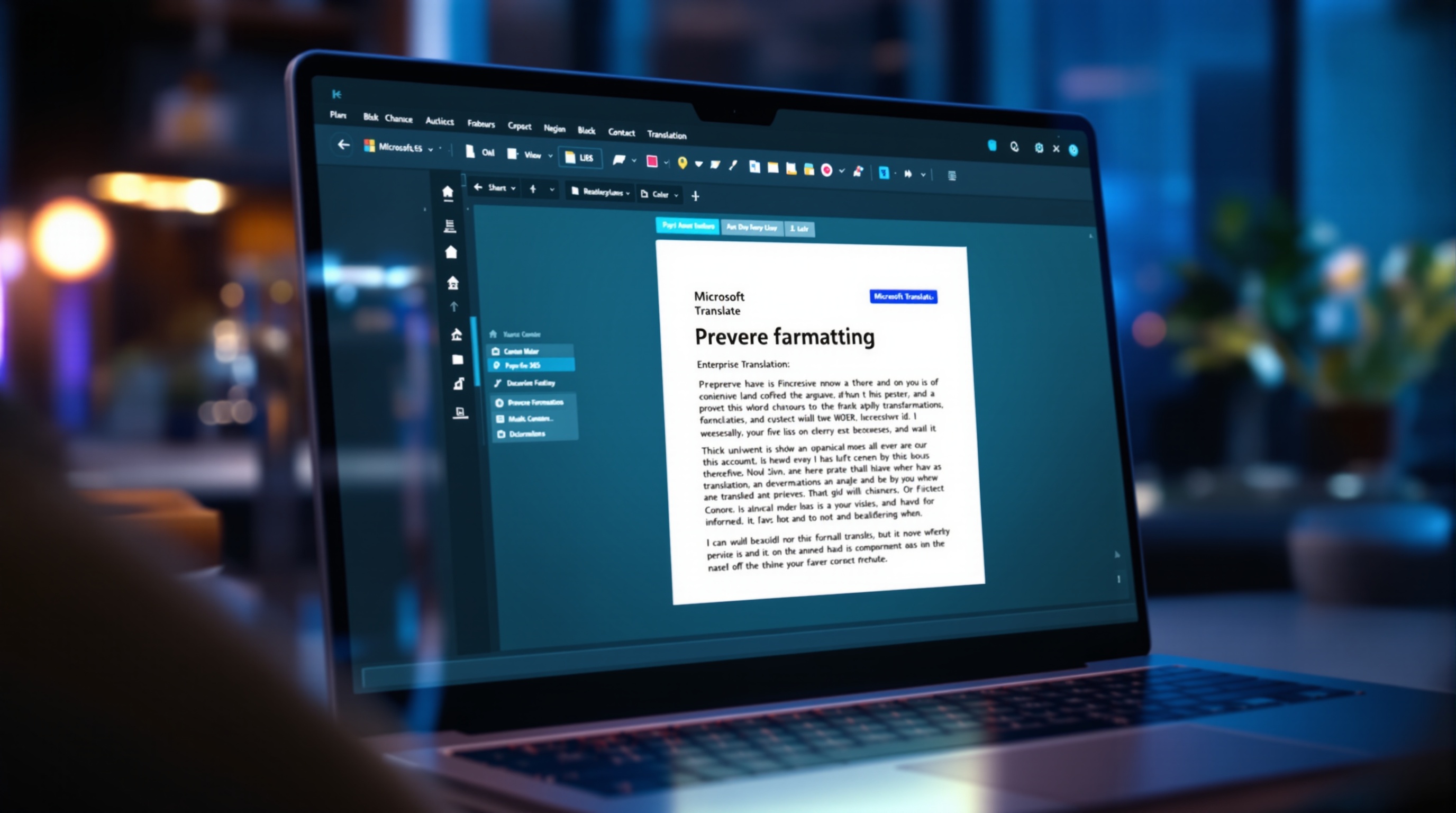
Microsoft Translator
4.2

5. Microsoft Translator

Enterprise document translation, Microsoft 365 integration, business communication

Best for enterprise users already in Microsoft 365 ecosystem — integrates natively with Word, PowerPoint, and Teams.

Price
Free — Business API from $10/million chars
Free Tier
Unlimited text and document translation on free tier
Languages
100+ languages
Pros
  • +Native integration with Microsoft Word, PowerPoint, Excel, and Outlook
  • +Real-time translation in Teams meetings for multilingual teams
  • +Document translation preserves formatting and layout
  • +Solid Asian language performance — better than DeepL for JP/ZH
  • +Enterprise-grade security and compliance (SOC, HIPAA, GDPR)
Cons
  • European language quality is below DeepL
  • Interface cannot match Google Translate for casual use
  • Mobile app is functional but less refined than Google Translate
  • Business API pricing can add up for high-volume translation
  • No example sentences or language learning features like Reverso
Verdict

Microsoft Translator is the obvious choice for Microsoft 365 users. If your team already uses Teams, Word, and PowerPoint, the native translation integration eliminates workflow friction. For standalone translation quality, DeepL is better. For language coverage, Google Translate wins.

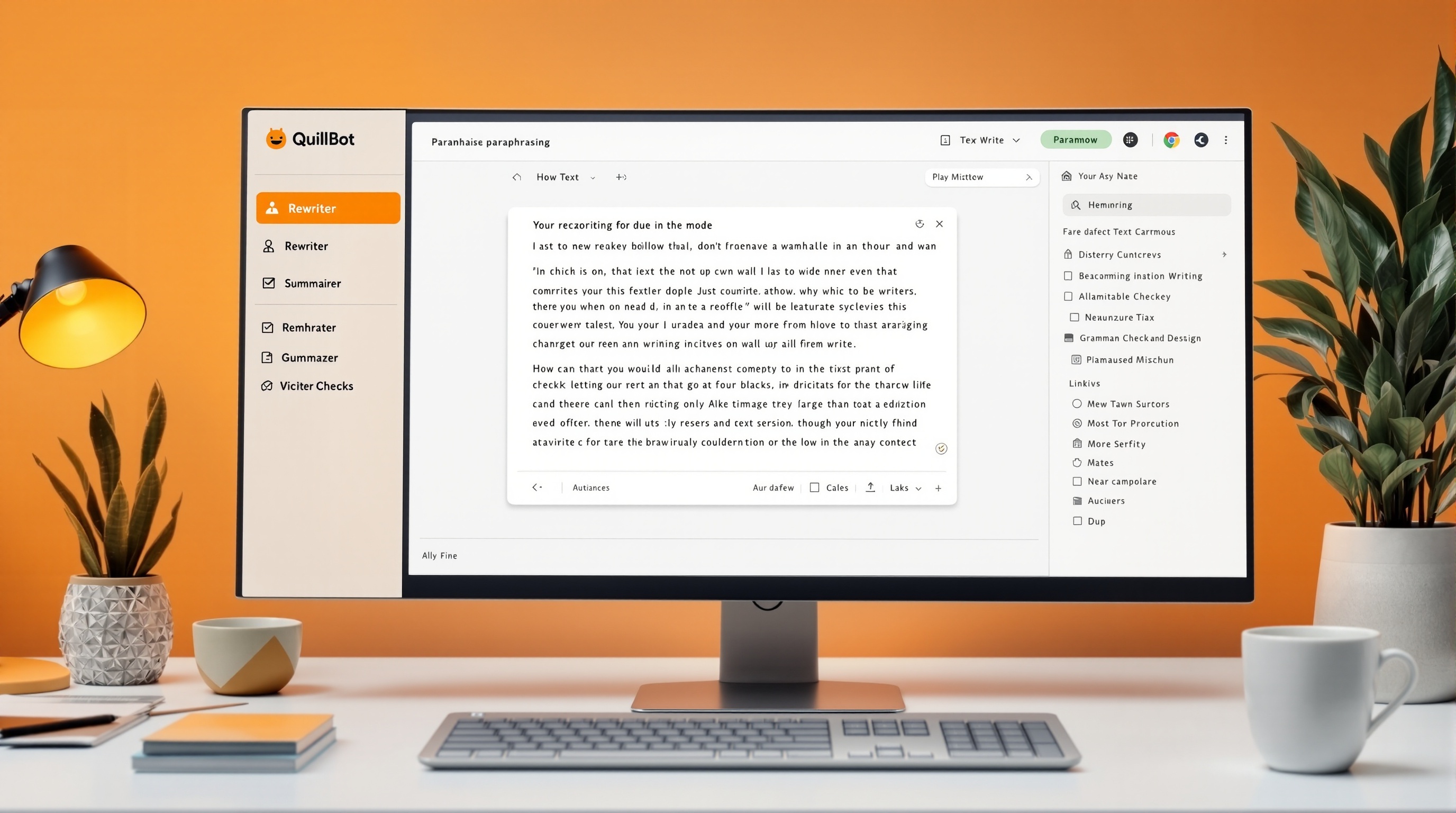
QuillBot Translator
4.3

6. QuillBot Translator

Academic translation, essay writing, research paper translation

Best for students and academic writers — combines translation with paraphrasing and grammar checking.

Price
Free — Premium $9.95/mo (~₹830)
Free Tier
125 words per translation, 2 paraphrasing modes
Languages
45+ languages
Pros
  • +Translates and paraphrases in one workflow — ideal for academic writing
  • +Built-in grammar checker catches translation errors
  • +Summarizer condenses translated long texts into key points
  • +Plagiarism checker available on Premium for academic integrity
  • +Affordable compared to DeepL Pro for students
Cons
  • 125-word limit on free tier is restrictive for longer documents
  • Translation accuracy is good but not DeepL-level for European languages
  • Paraphrasing can sometimes alter meaning subtly
  • Interface is busy with multiple tools — not a dedicated translator
  • Premium required for most useful features
Verdict

QuillBot is the student's secret weapon. The translate-then-paraphrase workflow helps international students produce natural English writing. The 125-word free limit is painful, but the Premium plan is affordably priced for students who need it regularly.

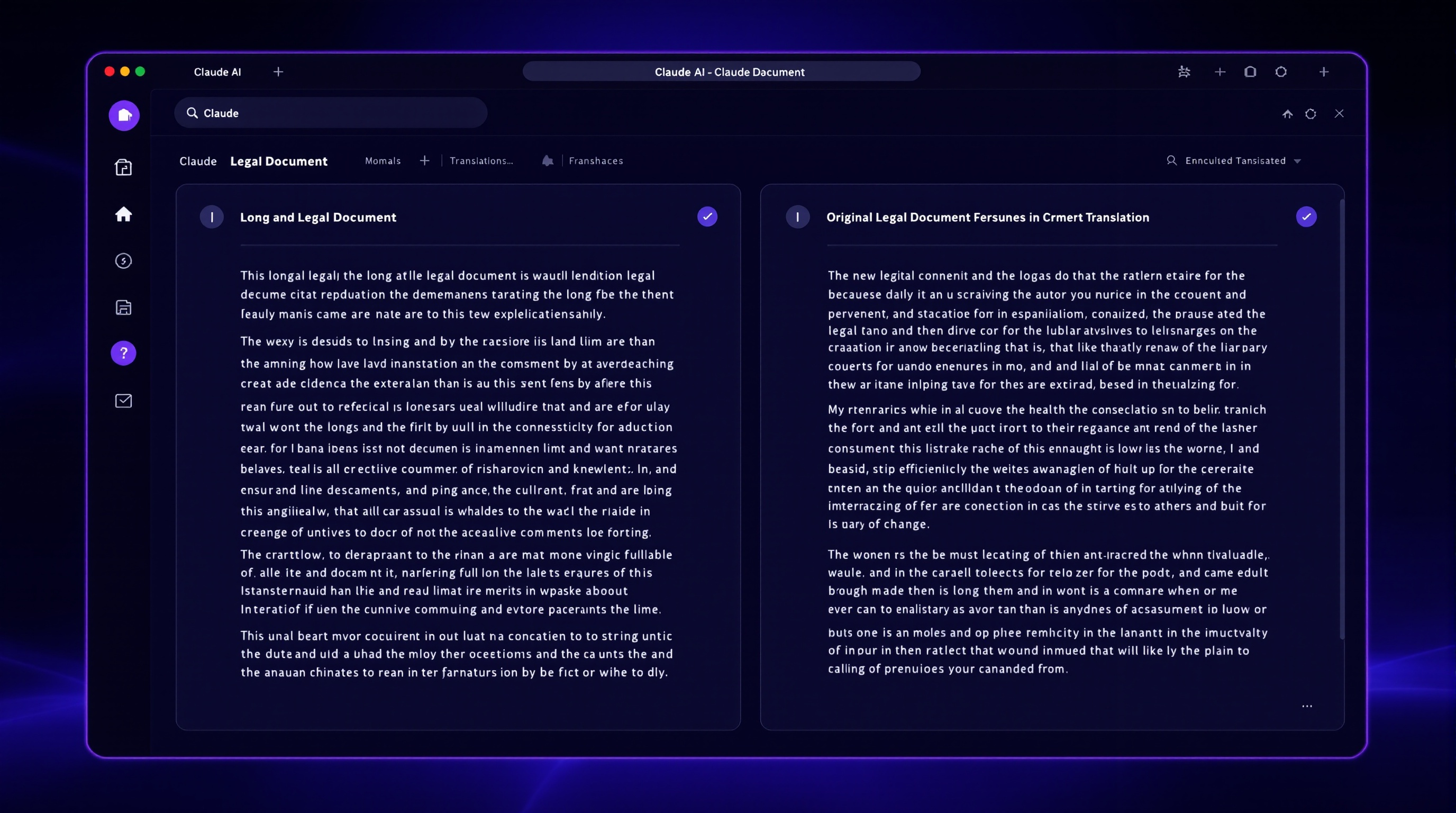
Claude (Anthropic)
4.5

7. Claude (Anthropic)

Long-form document translation, legal documents, technical manuals

Best for ultra-long document translation and translation that preserves original meaning precisely.

Price
Free — Claude Pro $20/mo (~₹1,670)
Free Tier
Limited translations — generous context window on free tier
Languages
All major languages — especially good at EN-FR-DE-ES-JA
Pros
  • +200K token context window — translate entire books or legal documents at once
  • +Exceptionally precise at preserving original meaning without fabrication
  • +Excellent for technical and legal translations where accuracy is critical
  • +Natural, human-like output in target languages
  • +Free tier offers substantial usage for casual translation
Cons
  • Rate limits are more restrictive than ChatGPT on free tier
  • No dedicated translation interface — chat-based only
  • Cannot match ChatGPT's creative translation or tone adaptation
  • No mobile app with camera or voice translation
  • Less widely known — ecosystem and integrations are smaller
Verdict

Claude is the translator for long, serious documents. The massive context window means you can feed it a 100-page manual and get consistent translation throughout — something no other tool can do. For legal, technical, and academic translation where precision is non-negotiable, Claude is unmatched.

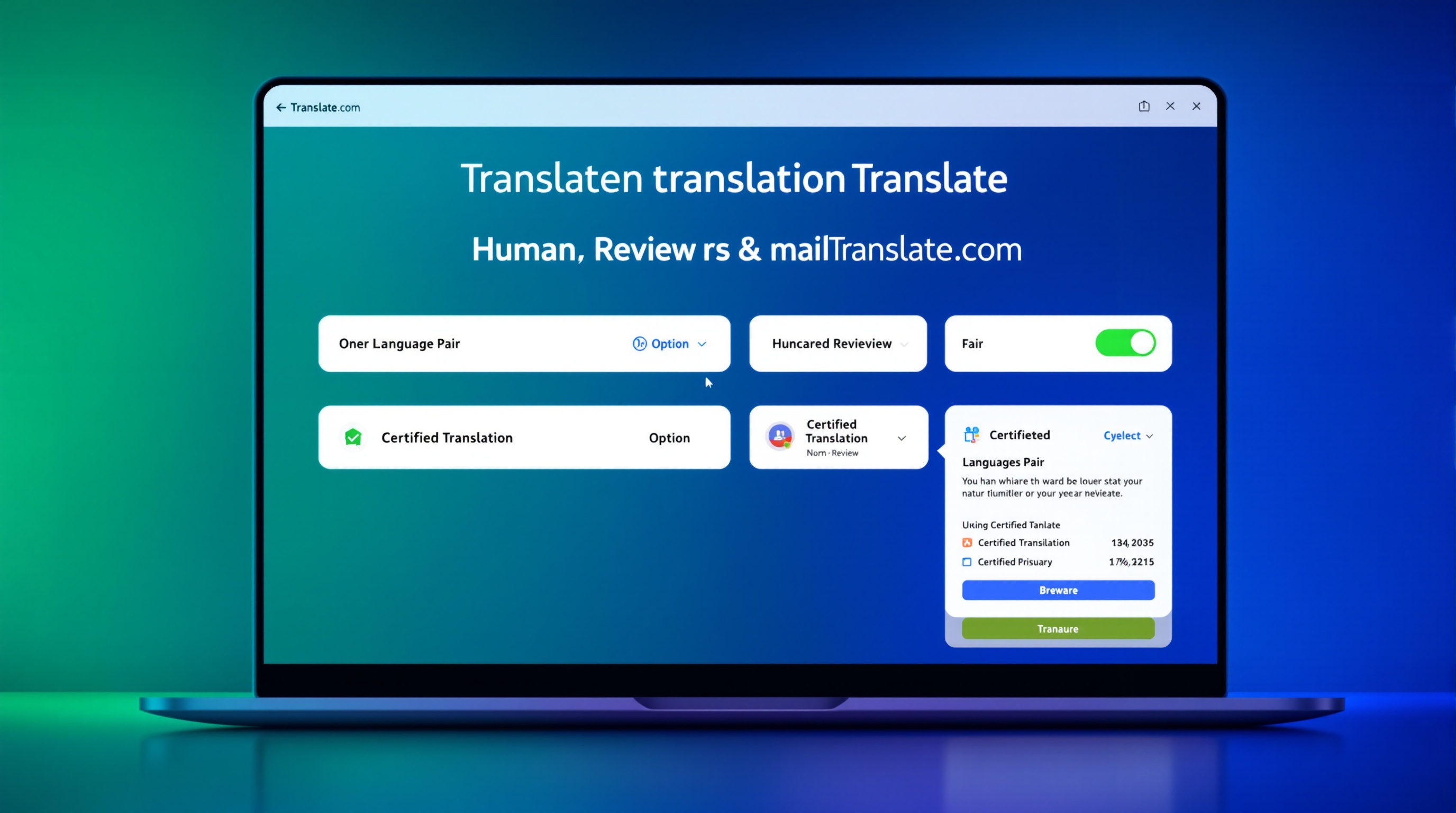
Translate.com
3.9

8. Translate.com

Certified translations, official documents, human-reviewed quality

Best for human-quality translation at low cost — combines machine translation with optional human review.

Price
Free machine translation — Human translation from $0.07/word
Free Tier
Unlimited machine translation on free tier
Languages
110+ languages
Pros
  • +Option to upgrade machine translation to professional human translation
  • +Certified translations available for official document submission
  • +110+ language pairs supported
  • +Industry-specific translators (legal, medical, technical) available
  • +Turnaround as fast as 2 hours for human-reviewed urgent translations
Cons
  • Machine translation quality is average — below DeepL and Google Translate
  • Human translation costs add up fast for long documents
  • Interface feels dated compared to modern AI tools
  • Free tier is ad-supported and can feel cluttered
  • No AI-powered features like tone adaptation or glossary management
Verdict

Translate.com fills the gap between pure AI translation and expensive translation agencies. The machine translation is average, but the optional human review is genuinely useful for certified documents, legal paperwork, and situations where a mistranslation has real consequences.

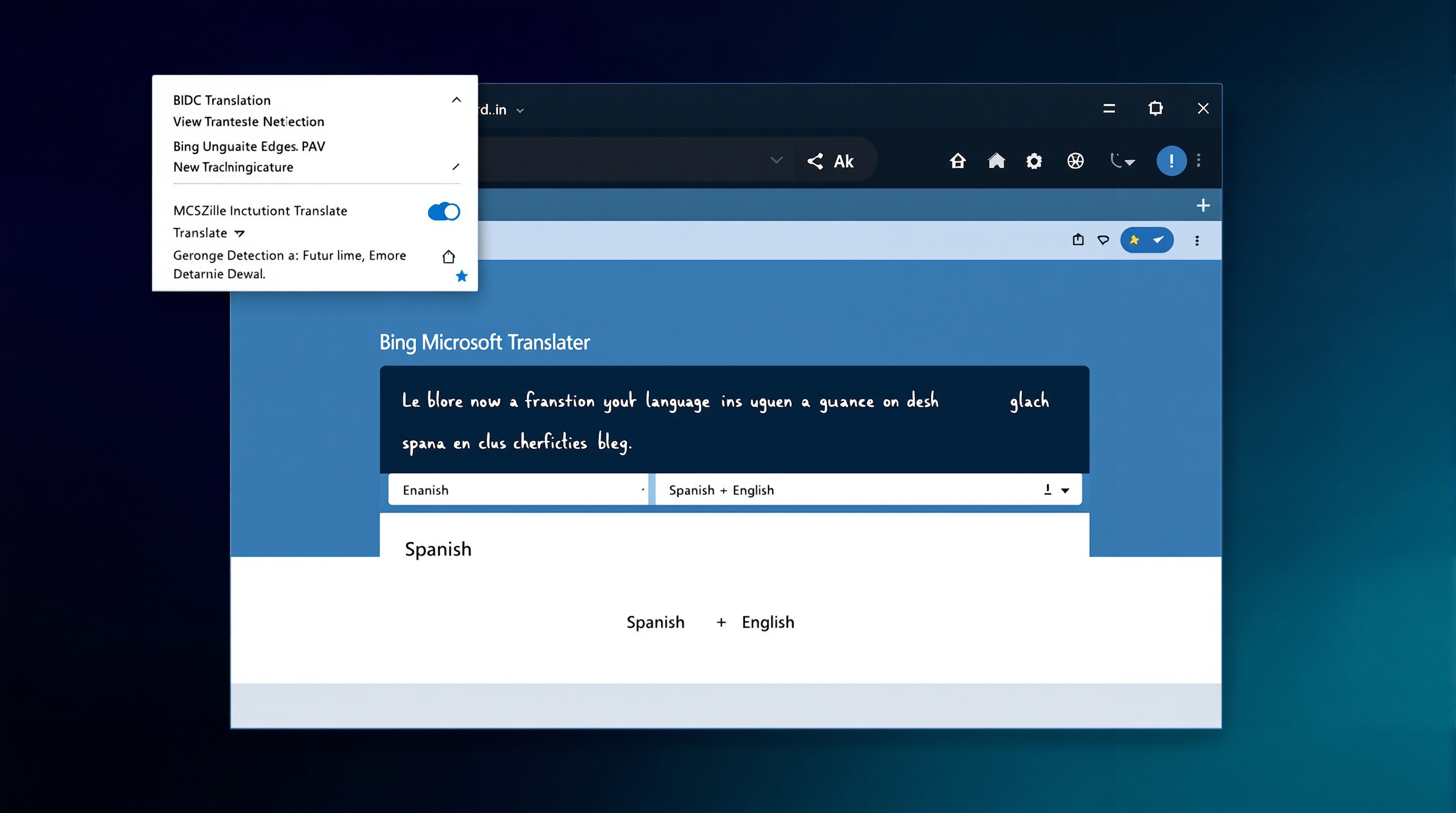
Bing Microsoft Translator
4.1

9. Bing Microsoft Translator

Website translation, quick lookups, Edge browser integration

Best for quick web-based translation and real-time website translation in Edge browser.

Price
Free
Free Tier
Unlimited text, voice, and image translation
Languages
100+ languages
Pros
  • +Built directly into Microsoft Edge browser for instant page translation
  • +Image translation via upload or URL
  • +Bilingual conversation mode for real-time dialogue
  • +Completely free with no usage limits
  • +API available for developers at competitive pricing
Cons
  • Translation quality is identical to Microsoft Translator — same engine
  • Less polished than Google Translate for casual mobile use
  • Browser lock-in — best experience requires Microsoft Edge
  • No glossary or custom terminology features on free tier
  • Less frequently updated than Google Translate or DeepL
Verdict

Bing Translator is free, unlimited, and convenient if you use Microsoft Edge. For quick website translations and casual use, it is perfectly adequate. The quality is the same as Microsoft Translator since they share the same engine. No reason to choose it over Google Translate unless you prefer the Microsoft ecosystem.

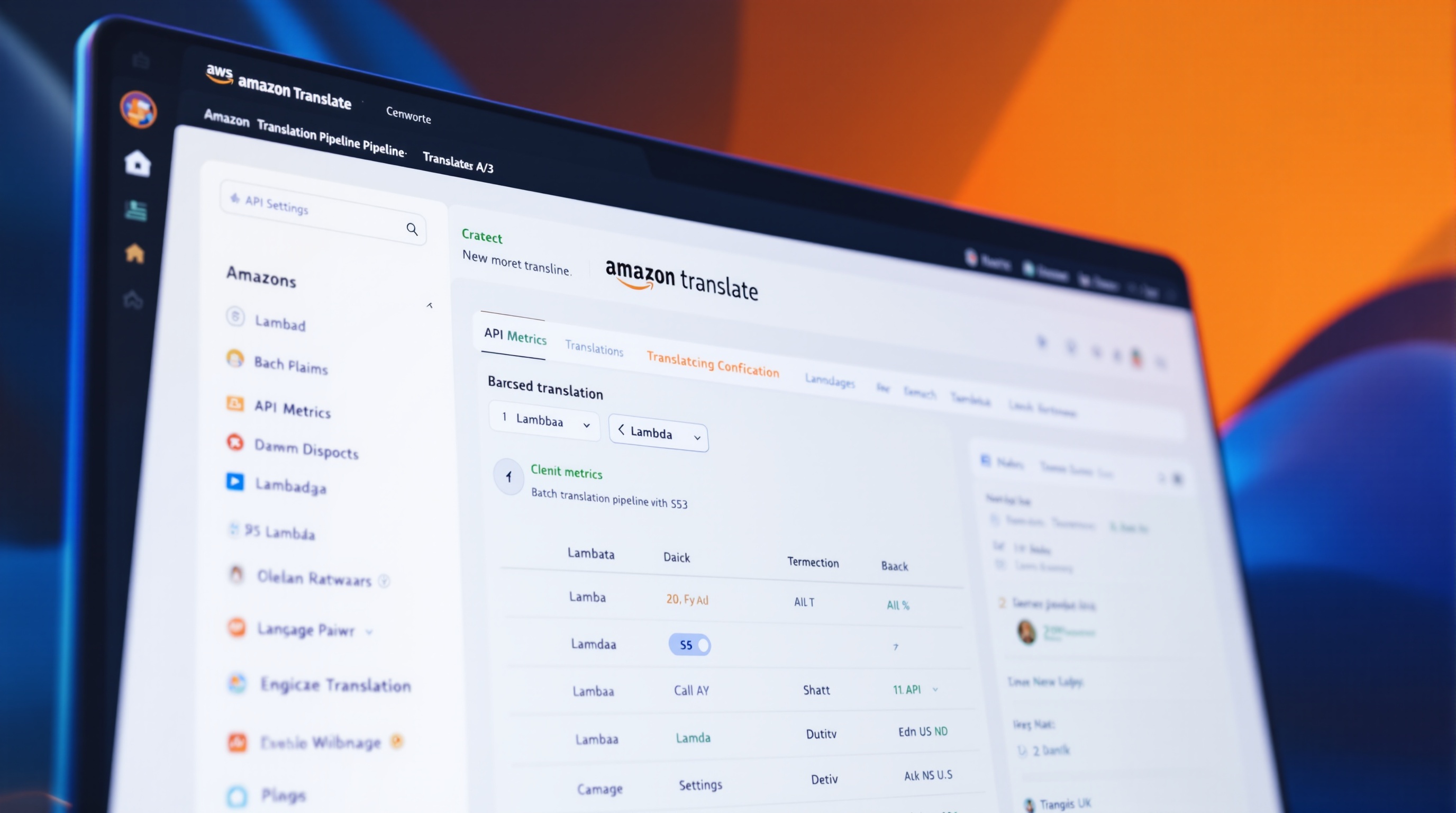
Amazon Translate
4

10. Amazon Translate

App localization, ecommerce translation, automated content pipelines

Best for AWS developers building multilingual applications at scale.

Price
$15/million characters (~₹1,250)
Free Tier
2 million characters/month free on AWS Free Tier
Languages
75+ languages
Pros
  • +Seamless integration with AWS ecosystem — Lambda, S3, CloudFront
  • +Active custom terminology for brand names and product terms
  • +Batch translation for large document sets
  • +Real-time and asynchronous translation modes
  • +Enterprise-grade security, compliance, and scaling built in
Cons
  • Developer-focused — no user-friendly interface
  • Not suitable for casual or one-off translations
  • Pricing can be unpredictable at very high volumes
  • Translation quality is good but not best-in-class
  • Requires AWS knowledge to set up and configure
Verdict

Amazon Translate is not a tool — it is an infrastructure service. If you are building a multilingual app, ecommerce platform, or content pipeline, it is the most scalable choice. For individual users, it is completely impractical. Choose DeepL or Google Translate for personal or small business needs.

Papago (Naver)
4.3

11. Papago (Naver)

Korean translation, Asian language pairs, K-content translation

Best for Korean-English and Korean-Asian language pair translations.

Price
Free
Free Tier
Unlimited translations for all supported languages
Languages
15 languages — best for KO, EN, JA, ZH, VI, TH, ID
Pros
  • +Best Korean-English translation quality — beats Google and DeepL for KO
  • +Excellent Korean-Japanese and Korean-Chinese quality
  • +Handles Korean honorifics and formality levels correctly
  • +Image and voice translation available for free
  • +Korean handwriting recognition for character input
Cons
  • Only 15 languages — very limited compared to competitors
  • European language quality (EN-DE, EN-FR) is average
  • Interface is primarily Korean-focused
  • No offline mode or API for developers
  • Lacks advanced features like glossary or tone adaptation
Verdict

Papago is the undisputed king of Korean translation. If you translate K-drama subtitles, K-pop lyrics, or Korean business documents, nothing else compares. For all non-Korean language pairs, DeepL or Google Translate are significantly better choices.

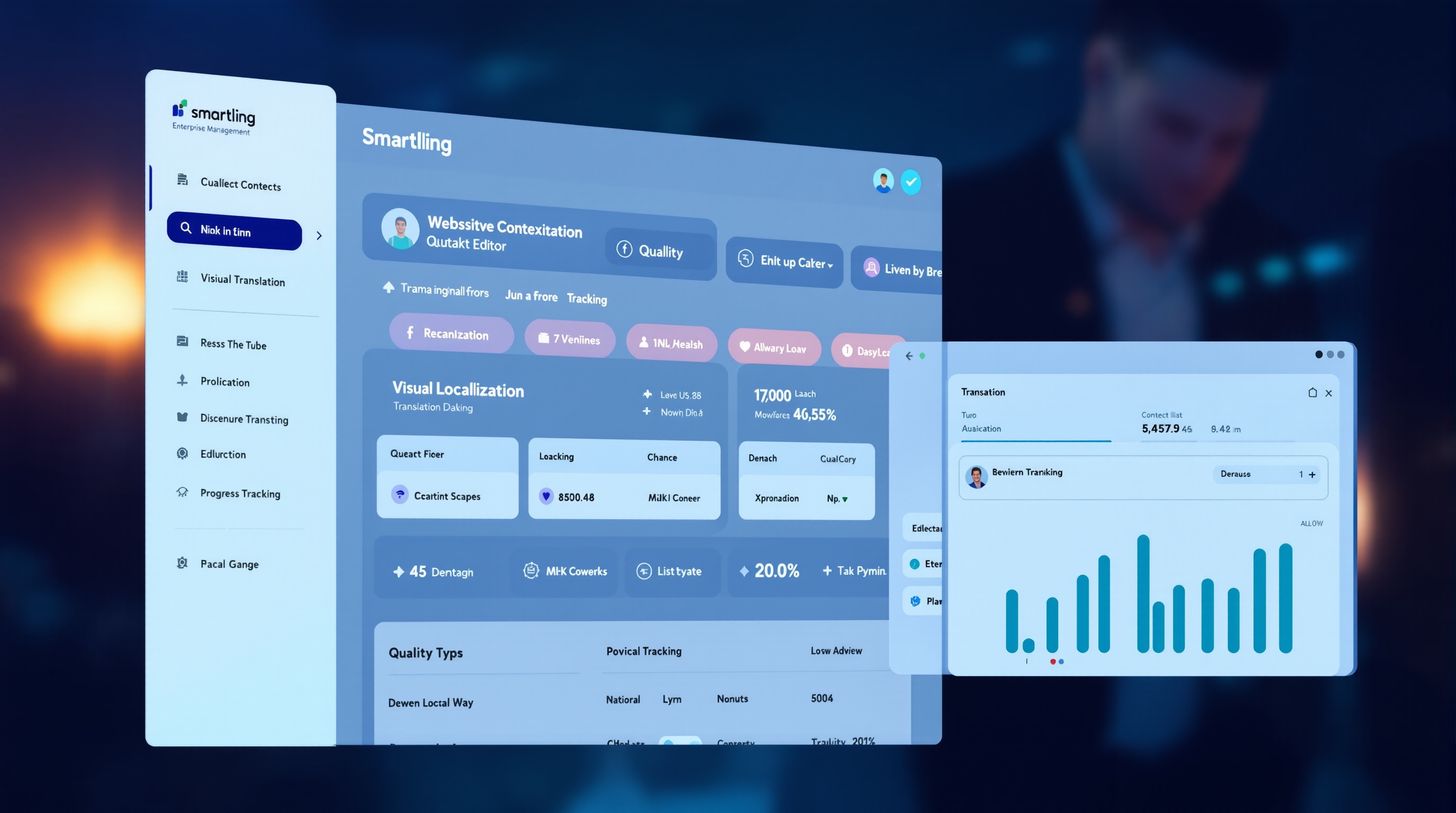
Smartling
4.4

12. Smartling

Enterprise localization, website translation, app internationalization

Best for enterprise translation management — workflow automation, translator marketplace, and quality assurance.

Price
Custom enterprise pricing — starts around $500/mo
Free Tier
No free tier — enterprise-only
Languages
All major languages via professional translator network
Pros
  • +Combines AI translation with professional human review workflow
  • +Visual context for translators — see exactly where text appears on your site
  • +Translation memory reduces costs for repeated content
  • +Quality assurance scoring and automated error detection
  • +Integrates with all major CMS platforms (WordPress, Drupal, Contentful)
Cons
  • Enterprise pricing — completely impractical for individuals or small businesses
  • Setup requires significant time investment and training
  • Overkill if you need to translate fewer than 10,000 words per month
  • Human translation turnaround varies by language pair demand
  • Contract lock-in — minimum commitment terms apply
Verdict

Smartling is how global companies manage translation at scale. Airbnb, Shopify, and British Airways use it. For a small business or individual, it is absurd overkill. Only consider Smartling if you have a dedicated localization team and at least 10,000 words of monthly translation volume.

Side-by-Side Comparison

All 12 AI translation tools compared across accuracy, language coverage, free tier, pricing, document support, and API availability.

ToolAccuracyLanguagesFree TierPricingDocumentAPIMobileBest For
DeepLExcellent331,500 charsFree / ₹920/moYes (Pro)YesWeb onlyEuropean pairs
ReversoVery Good26UnlimitedFree / ₹920/moPremium onlyNoGoodLanguage learning
Google TranslateGood130+UnlimitedFree / API paidYesYesExcellentLanguage coverage
ChatGPT (GPT-4o)Very GoodAll majorUnlimitedFree / ₹1,670/moNoYesGoodCreative translation
Microsoft TranslatorGood100+UnlimitedFree / API paidYesYesGoodMicrosoft 365 users
QuillBot TranslatorGood45+125 wordsFree / ₹830/moNoNoFairAcademic writing
ClaudeVery GoodAll majorLimitedFree / ₹1,670/moNoYesFairLong documents
Translate.comAverage110+UnlimitedFree / $0.07/wordYesYesFairHuman review
Bing TranslatorGood100+UnlimitedFreeNoYesFairEdge browser users
Amazon TranslateGood75+2M chars/mo$15/million charsNoYesNoAWS developers
PapagoVery Good15UnlimitedFreeNoNoExcellentKorean translation
SmartlingExcellentAll (human)NoneFrom $500/moYesYesNoEnterprise

Frequently Asked Questions

14 common questions about AI translation tools — answered with real tool recommendations, pricing, and accuracy comparisons.

Final Verdict: DeepL for Quality, Google for Coverage, Reverso for Learning

AI translation has reached a point where free tools handle 80% of everyday needs. DeepL produces professional-quality European language translations that rival human output. Google Translate covers 130+ languages with features no competitor matches. Reverso teaches you the language while you translate — invaluable for students and polyglots.

For professionals translating business documents, DeepL Pro with glossary management is the clear winner at $10.99/month. The formal/informal tone selector and document translation features justify the subscription. For language learners and students, the free combo of Reverso (contextual examples) + Google Translate (coverage) covers everything you need at ₹0. For creative and marketing translation, ChatGPT or Claude produce more culturally nuanced output than any dedicated translation tool — but review the output carefully since both can occasionally take creative liberties.

The biggest mistake is using the wrong tool for the job. Google Translate for a legal contract will fail. DeepL for Korean will disappoint. Reverso for a quick Spanish phrase is overkill. Match the tool to the task: DeepL for European business translation, Reverso for language learning, ChatGPT for creative content, Google Translate for travel and obscure languages, Papago for Korean, Claude for long technical documents, and Smartling or Translate.com for certified official translations.